Command Palette
Search for a command to run...
One-click Deployment of Gemma 4 31B, With up to 256K Context, Comparable in Capabilities to Qwen 3.5 397B.

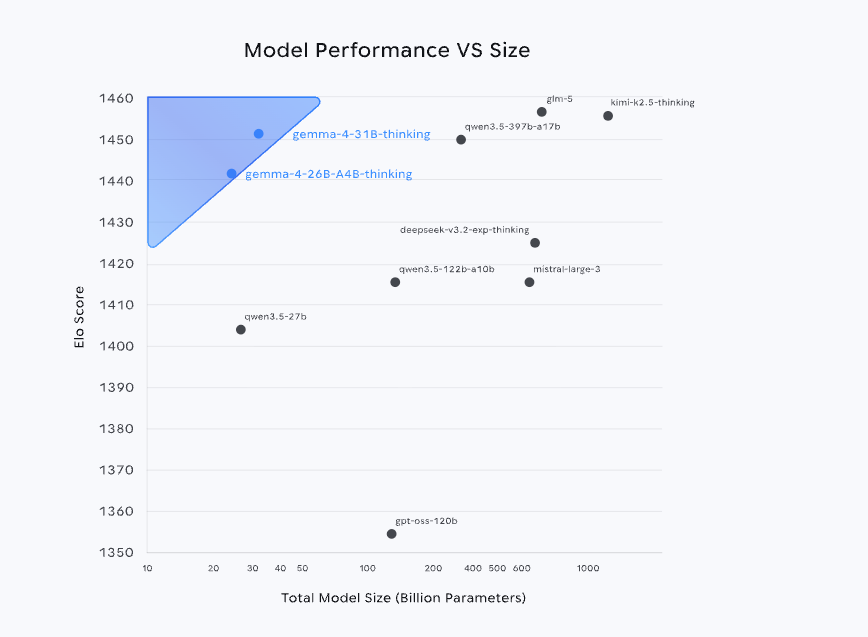
Recently,**Google DeepMind has open-sourced the Gemma 4 series of models.**Leveraging the same technology system as Gemini 3, it not only ranks among the top three globally in the Arena AI leaderboard, but also achieves performance close to or even surpassing larger-sized models with a parameter scale far smaller than its competitors. Furthermore, its open-source strategy based on the Apache 2.0 license further lowers the application threshold, significantly enhancing its potential for deployment in real-world production environments.
From the perspective of product form**Gemma 4 is not a single model, but a multi-size system covering E2B, E4B, 26B, A4B to 31B.**These models are designed for different scenarios, including mobile devices, local deployments, and high-performance computing environments. The core logic of this layered design is to balance "scale, performance, and cost" to meet differentiated needs—smaller models emphasize lightweight and real-time performance, while larger models focus on complex inference and high-precision tasks.
Among them, version 31B, as the performance ceiling of the current series, has capabilities comparable to Qwen 3.5 397B. In terms of application scenarios,Version 31B supports image and text input and output, features a context window with up to 256K tokens, and natively supports inference, function calls, and system prompts. It also supports more than 140 languages, making it excellent for scenarios such as high-quality question answering, code assistance, and agent services.
Run online:
Demo Run
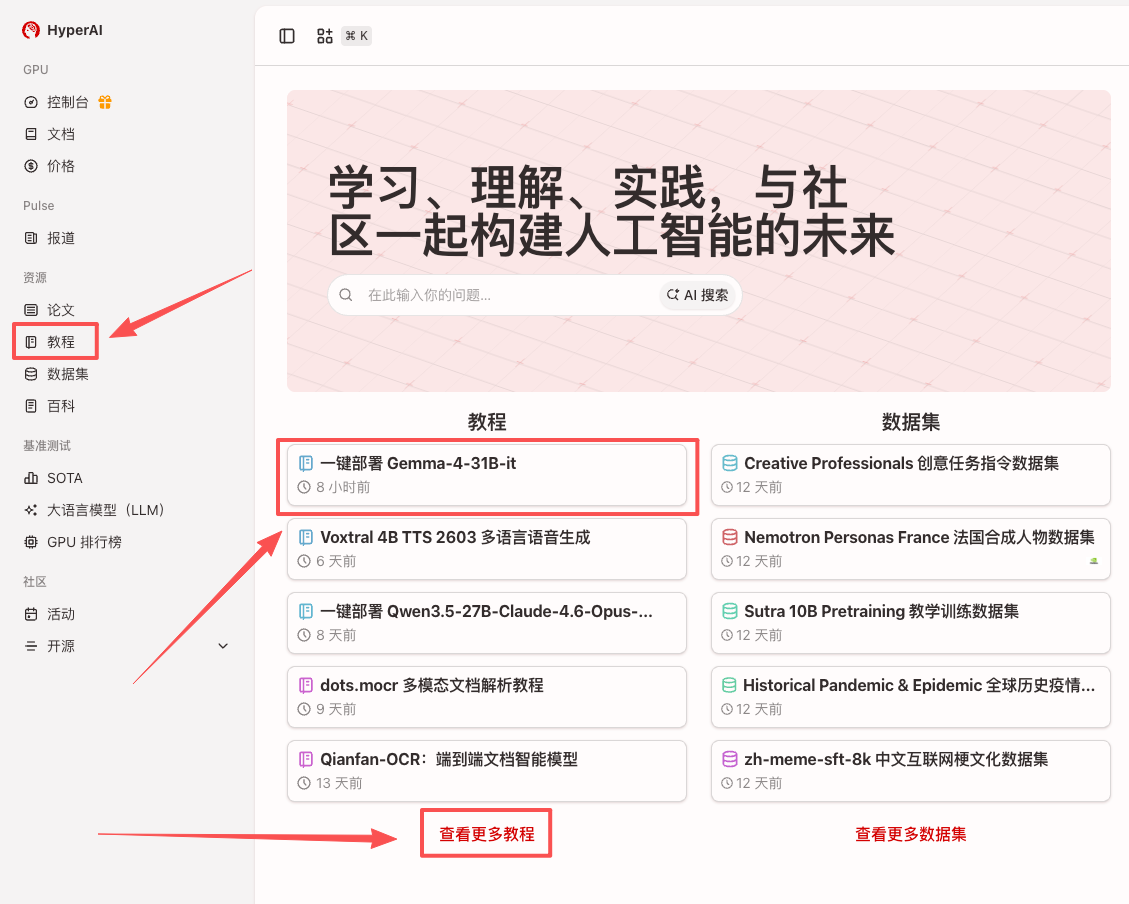
1. After entering the hyper.ai homepage, select the "Tutorials" page, or click "View More Tutorials", select "One-Click Deployment of Gemma-4-31B-it", and click "Run this tutorial".
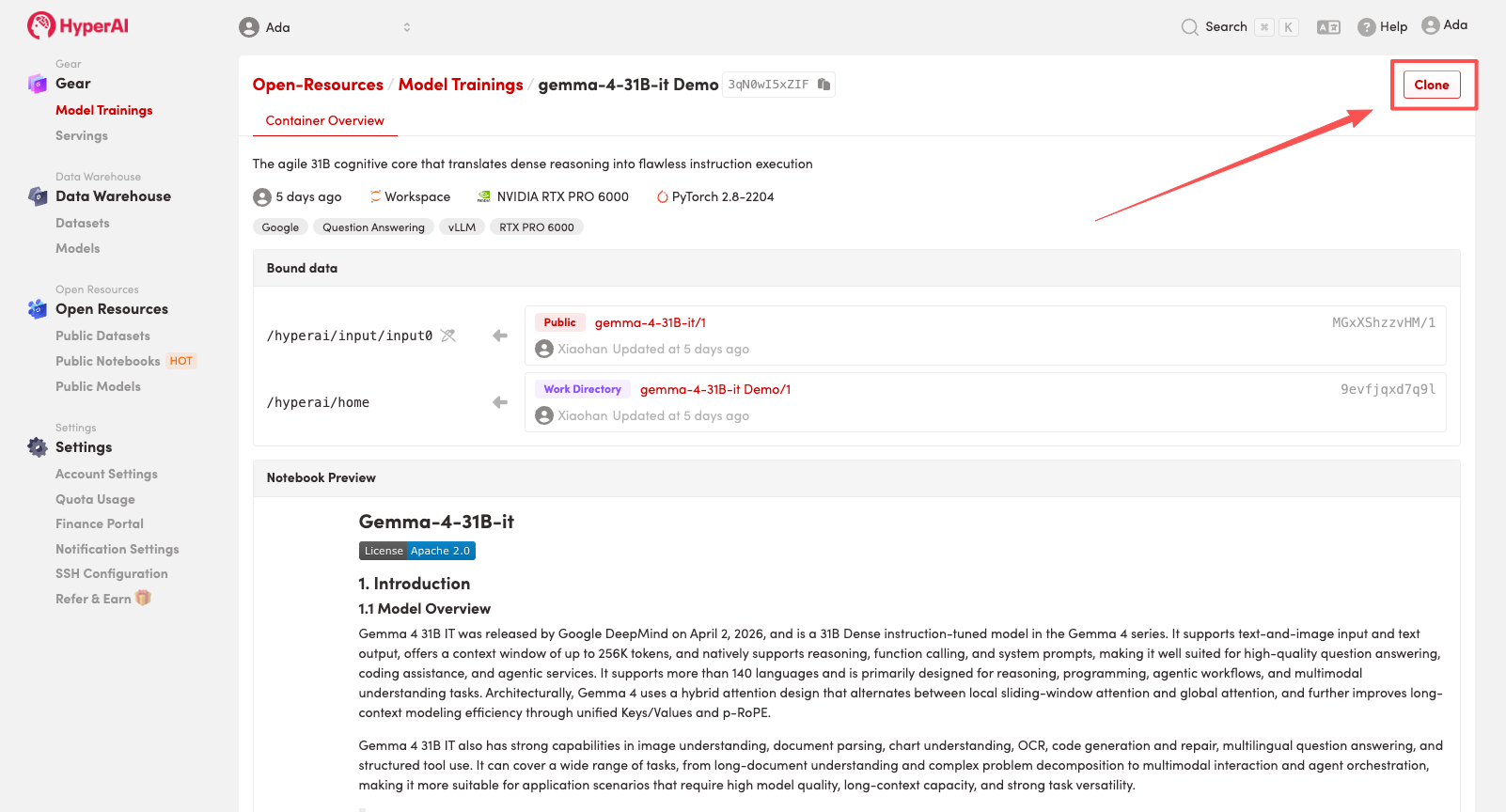
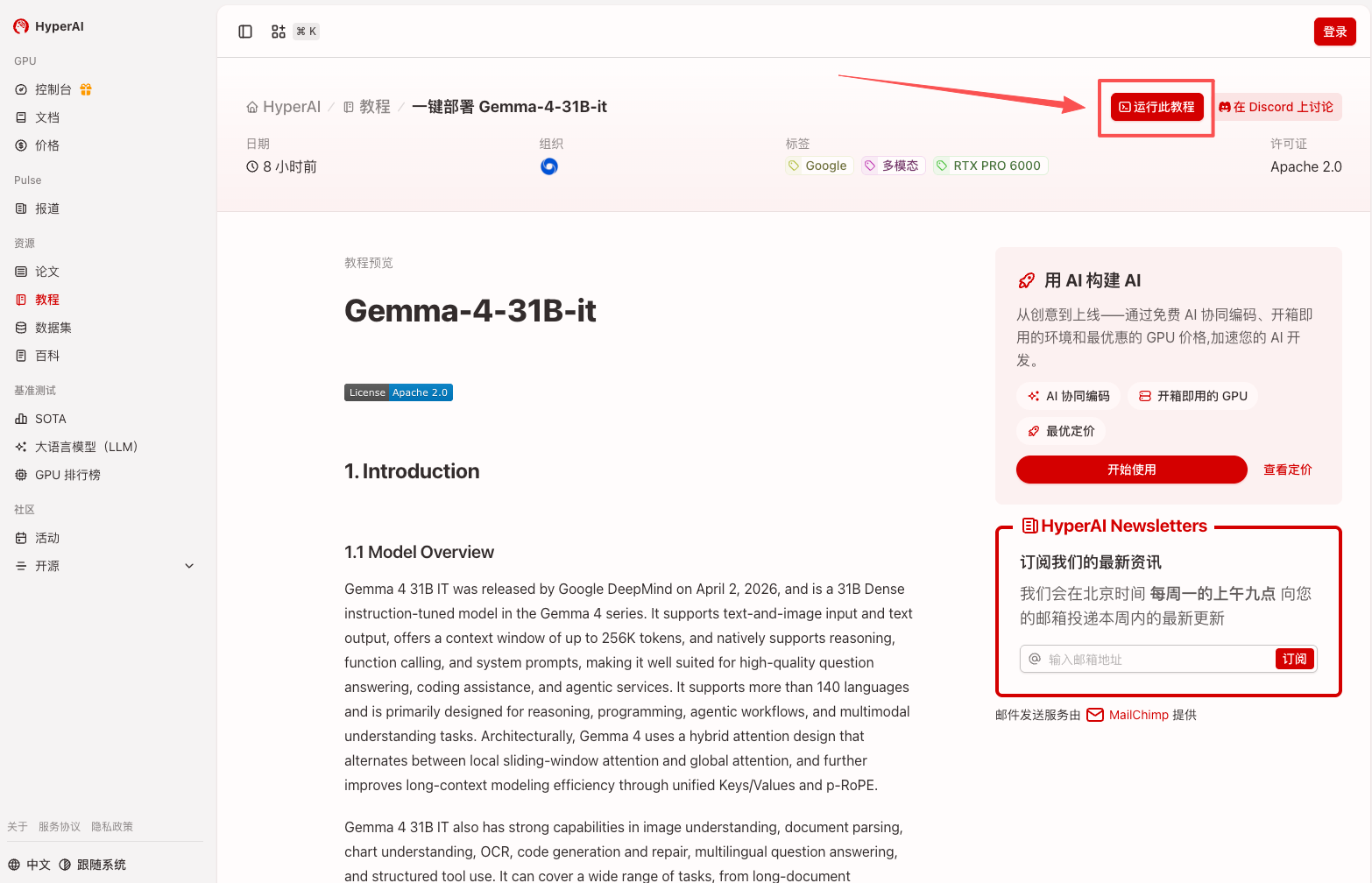 2. After the page redirects, click "Clone" in the upper right corner to clone the tutorial into your own container.
Note: You can switch languages in the upper right corner of the page. Currently, Chinese and English are available. This tutorial will show the steps in English.
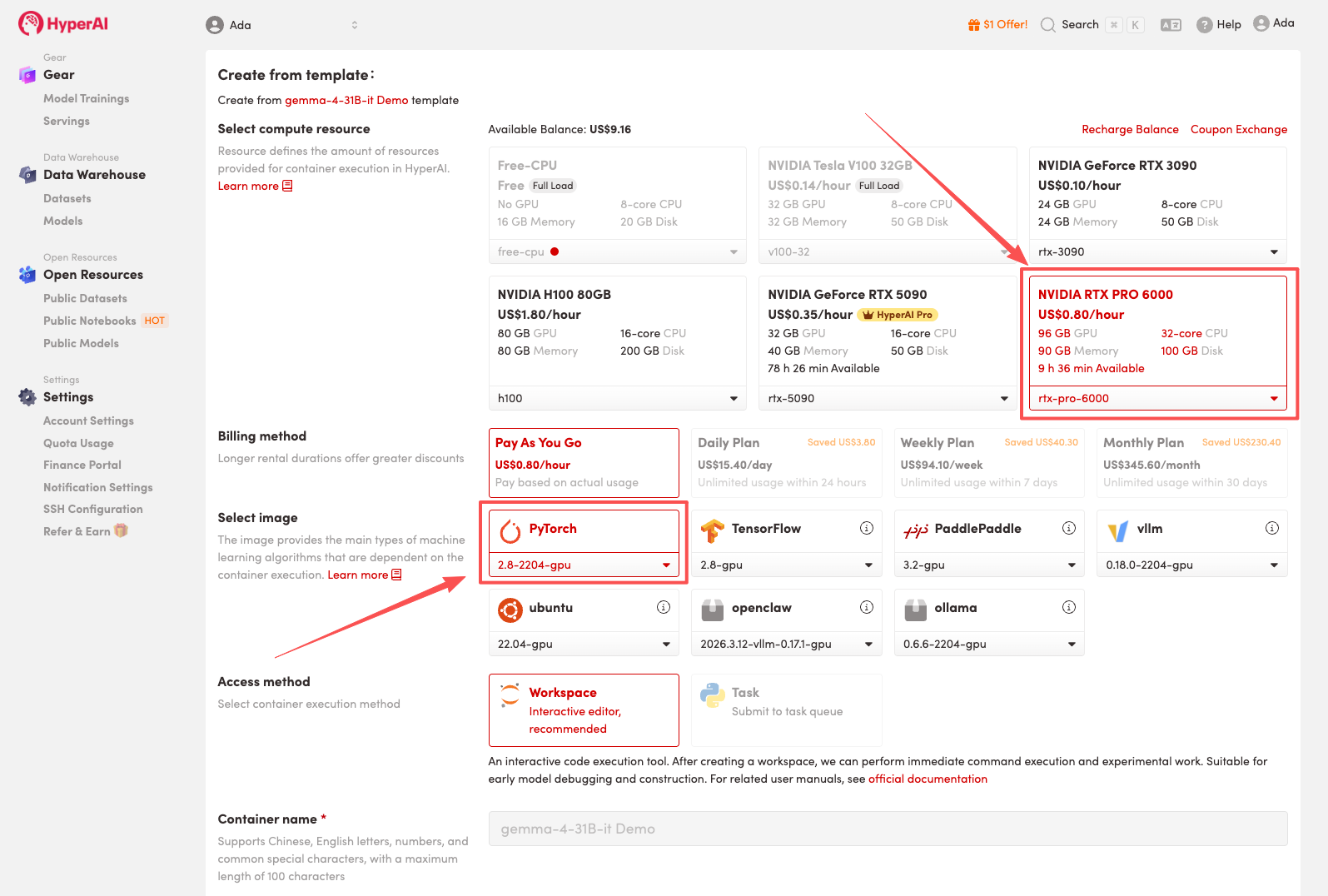
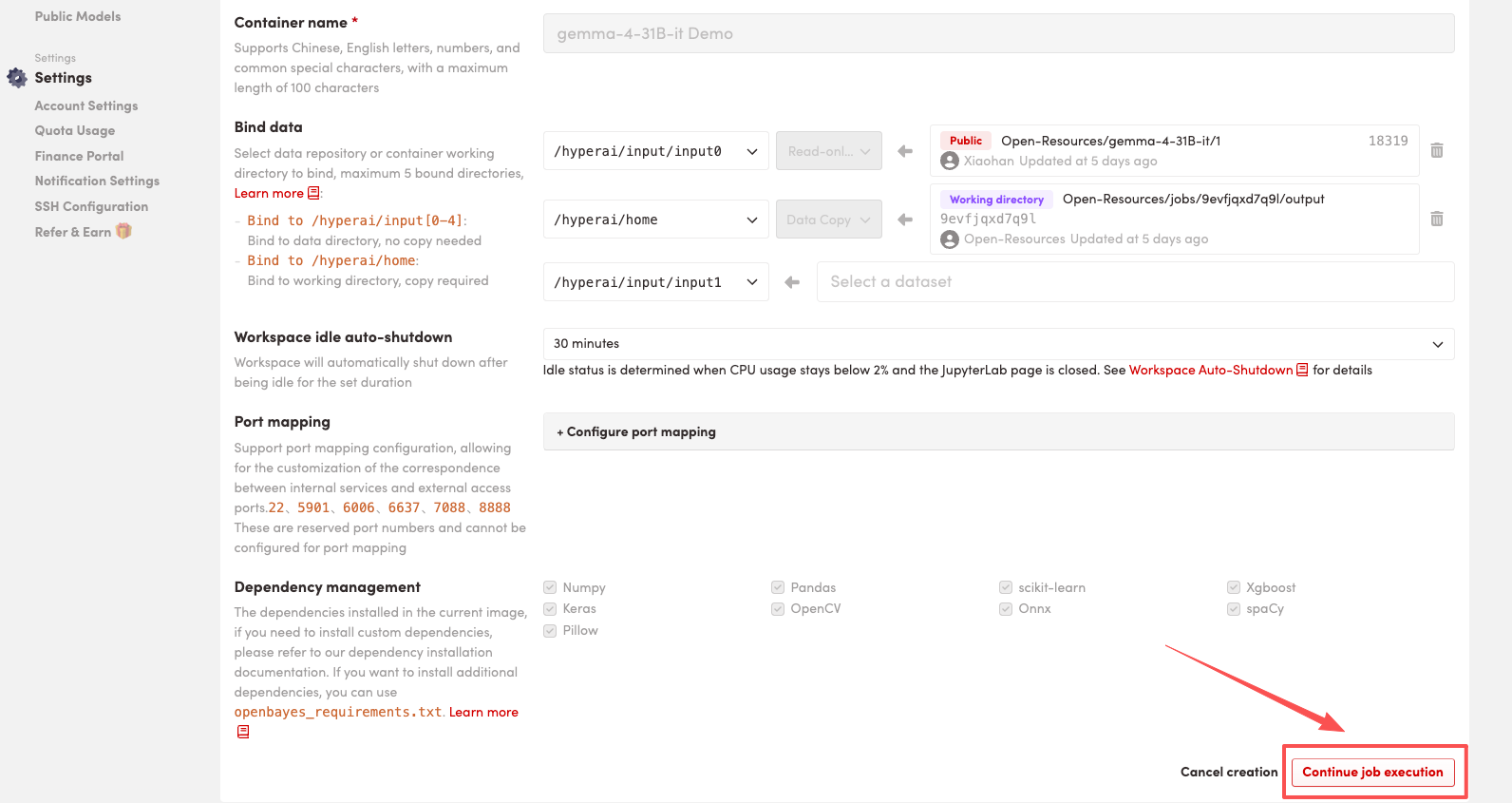
 3. Select the "NVIDIA RTX PRO 6000" and "PyTorch" images, and click "Continue job execution".
HyperAI is offering a registration bonus for new users: for just 1,youcanget20hoursofRTX5090computingpower(originallypricedat7), and the resources are valid indefinitely.
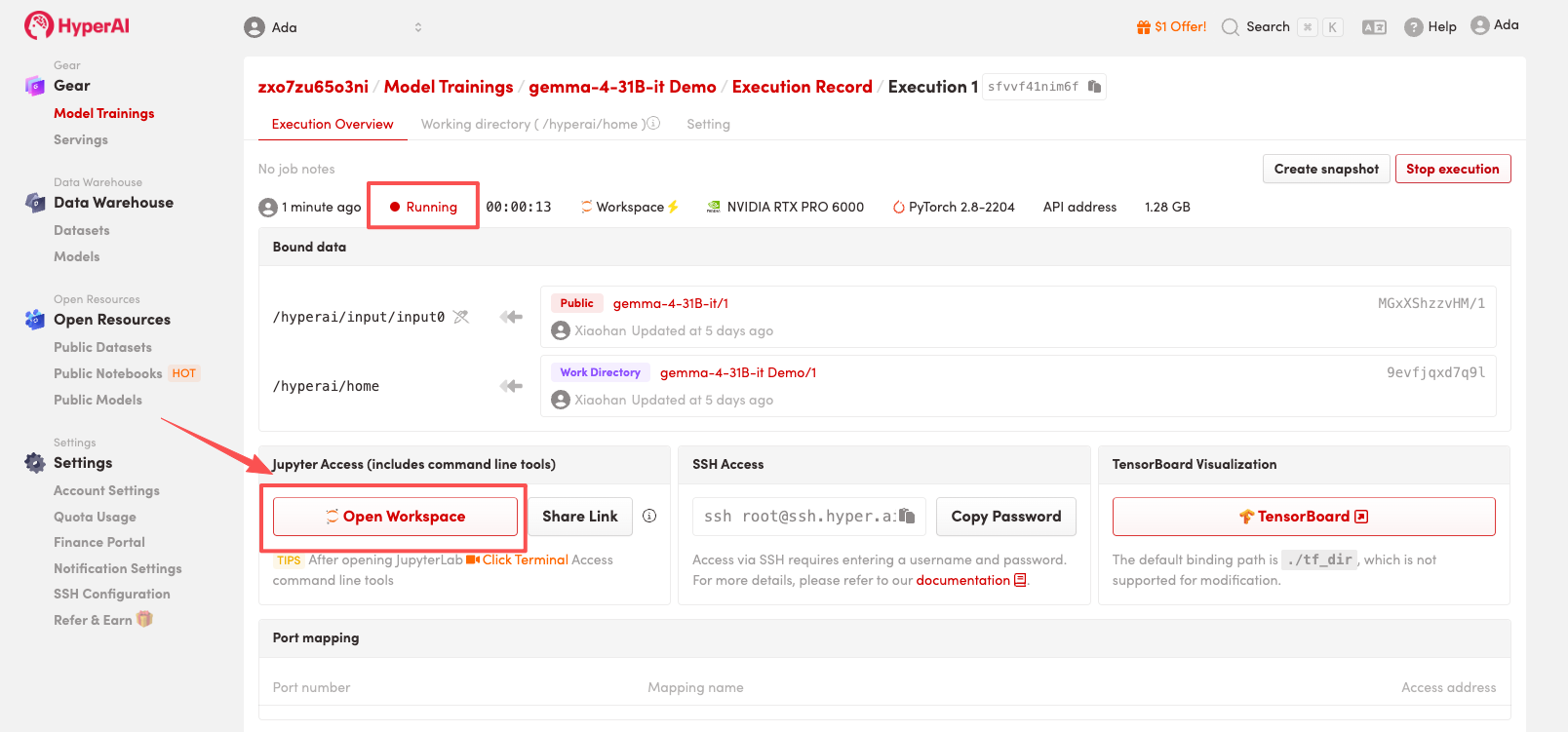
 4. Wait for resources to be allocated. Once the status changes to "Running", click "Open Workspace" to enter the Jupyter Workspace.
 Effect display
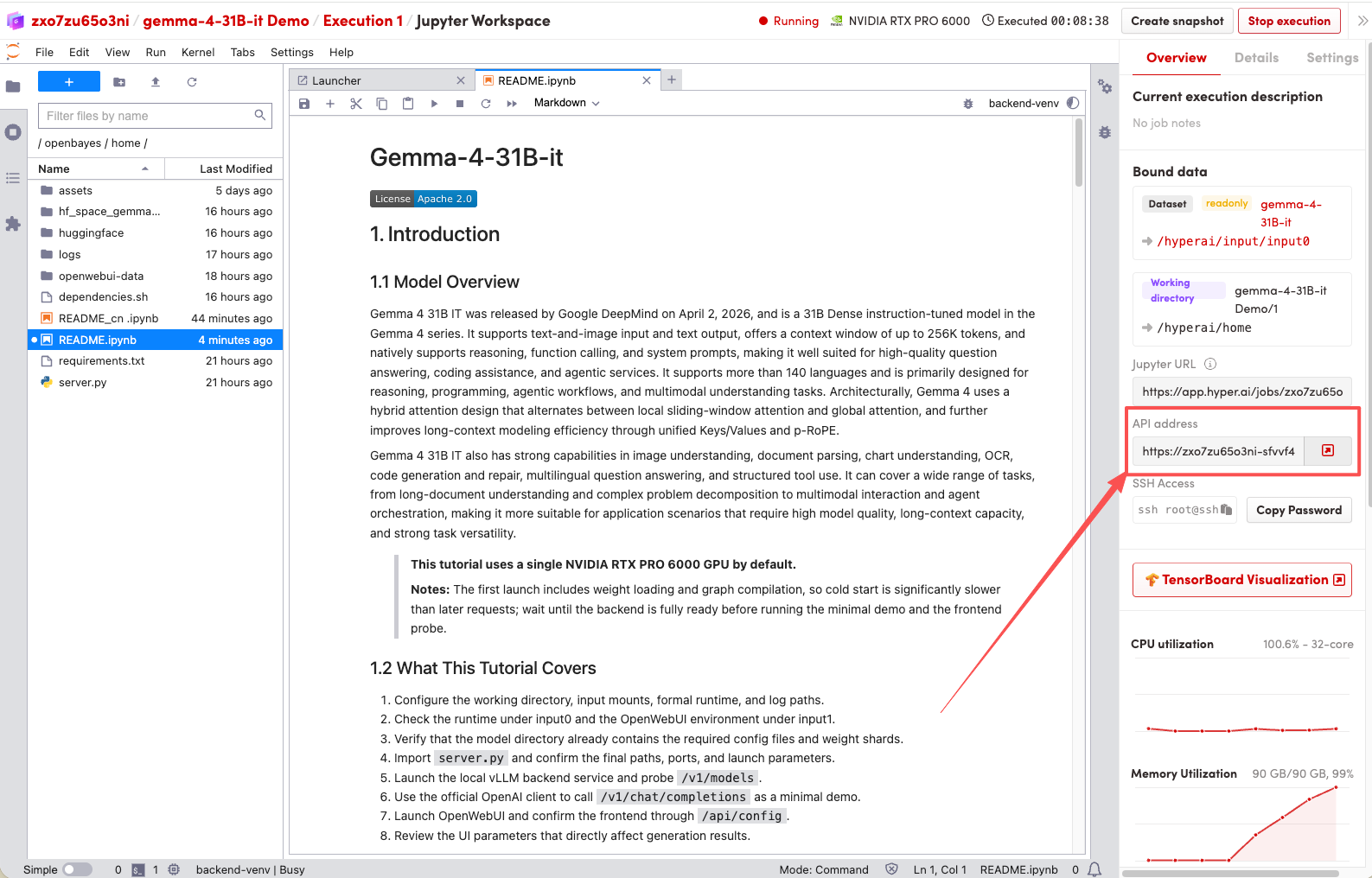
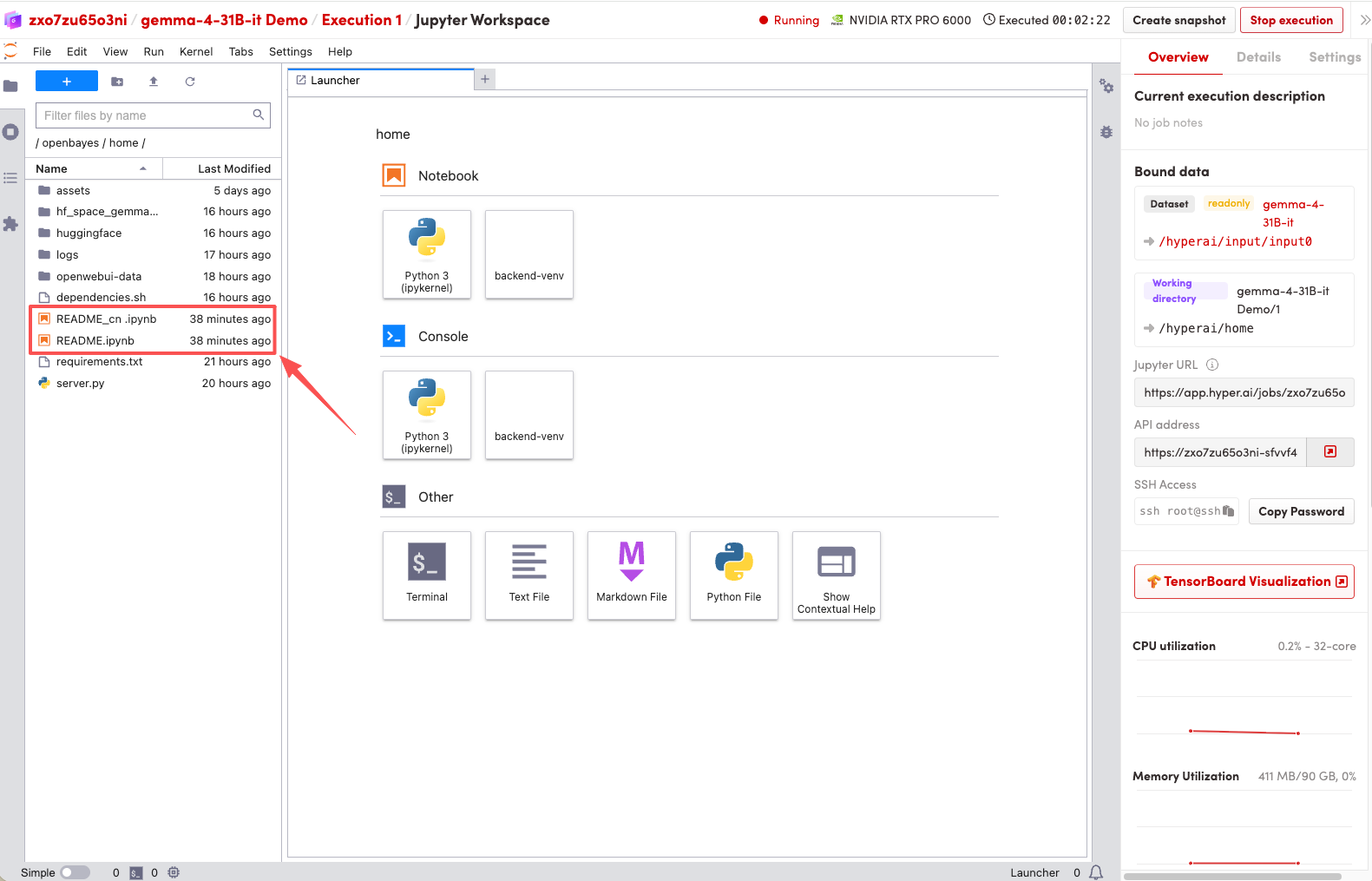
1. After the page redirects, click on the README file on the left, and then click on Run at the top.
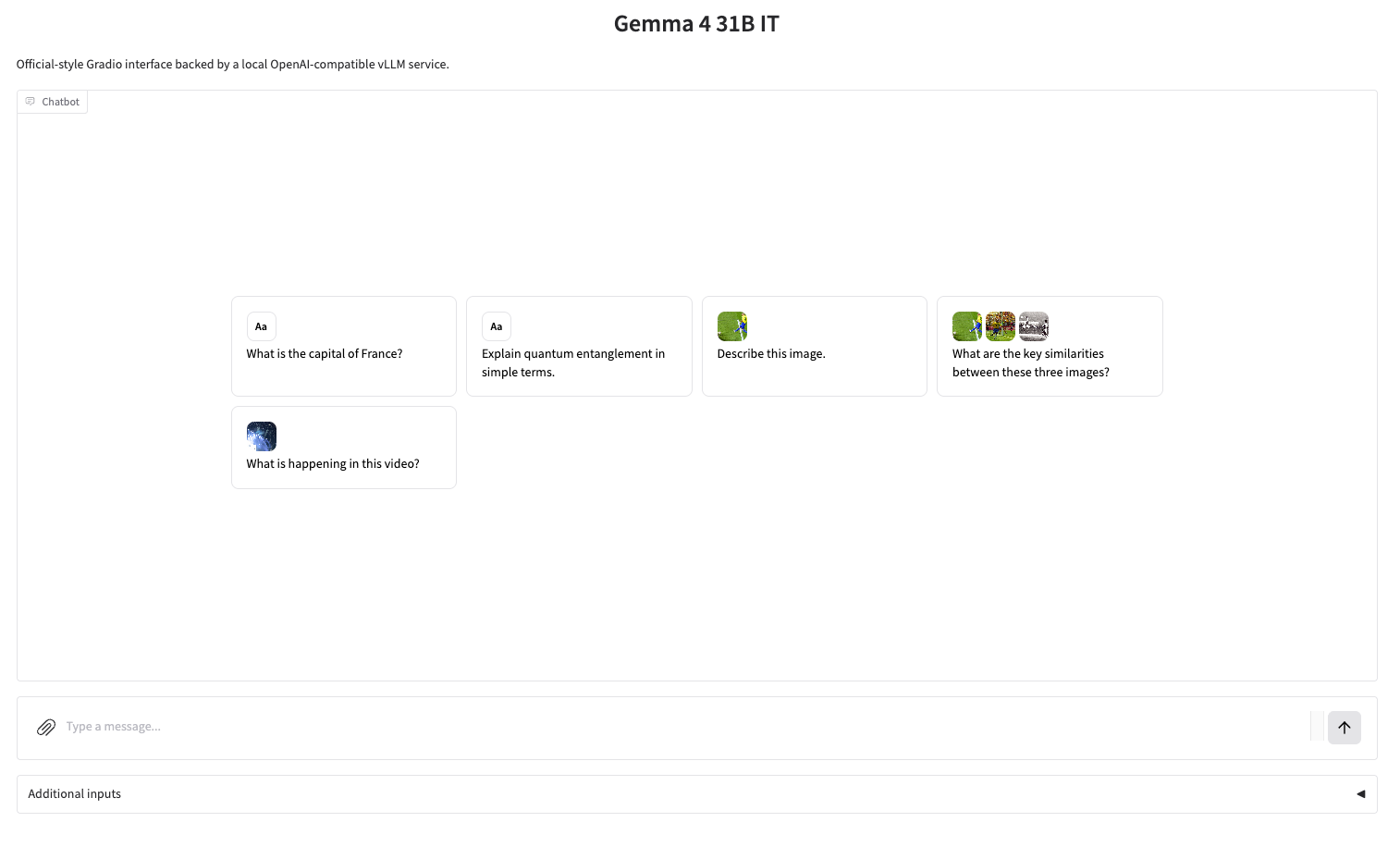
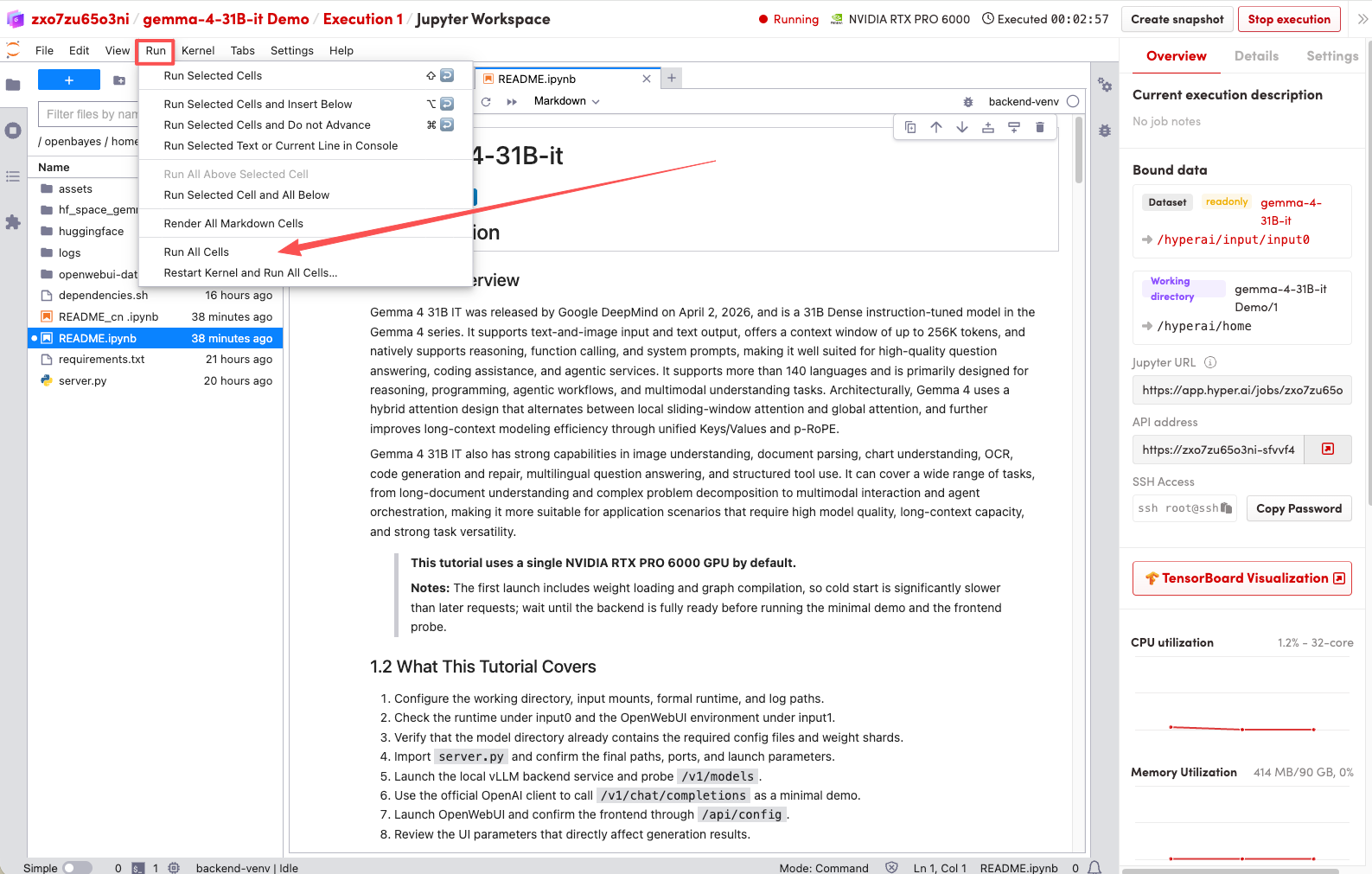 2. Once the process is complete, click the API address on the right to jump to the demo page.