Command Palette
Search for a command to run...
PyTorch 2.0 Hands-on: Speeding up HuggingFace and TIMM Models!
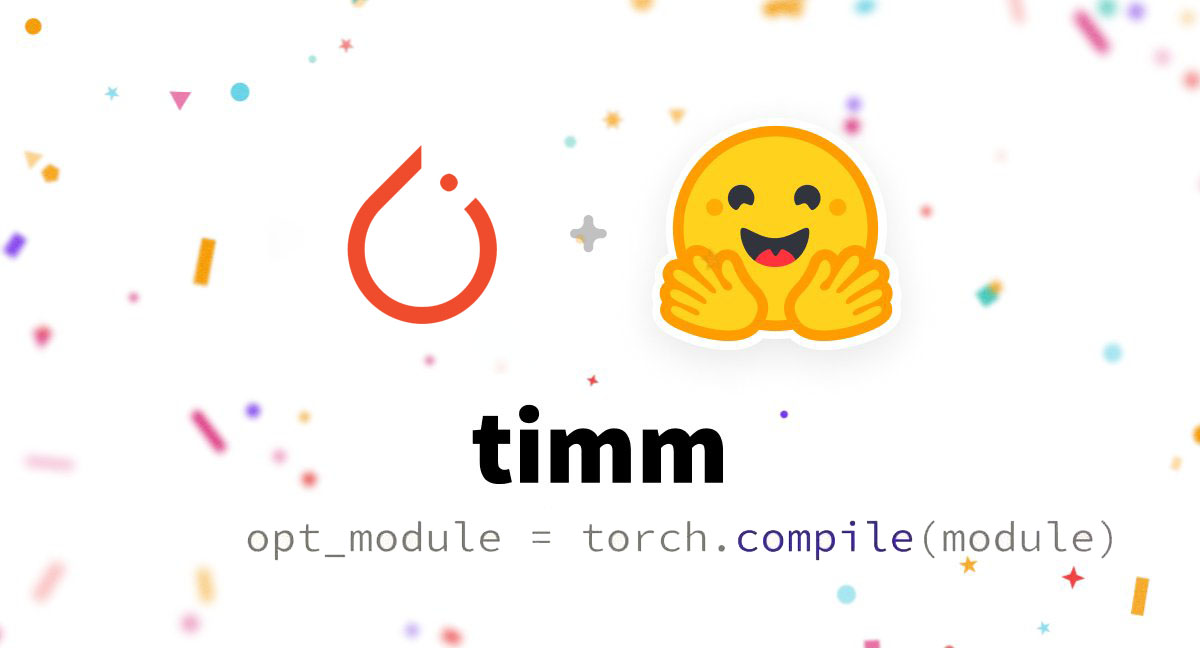
PyTorch 2.0 can increase model training speed by 30%-200% with a simple line of torch.compile(). This tutorial will demonstrate how to actually reproduce this speedup.
torch.compile() **Can****easily try out different compiler backends,**This speeds up the execution of PyTorch code.**torch.jit.script()**A drop-in replacement for , which can be run directly on nn.Module without modifying the source code.
In the previous article, we introduced that torch.compile supports arbitrary PyTorch code, control flow, mutation, and to some extent supports dynamic shapes.
By testing 163 open source models, we found that torch.compile() can bring a speedup of 30%-200%.
opt_module = torch.compile(module)
The test results are detailed in:
This tutorial will demonstrate how to use**torch.compile()**Speed up model training.
Requirements and Settings
For GPUs (newer GPUs have more significant performance improvements):
pip3 install numpy --pre torch[dynamo] --force-reinstall --extra-index-url https://download.pytorch.org/whl/nightly/cu117
For CPU:
pip3 install --pre torch --extra-index-url https://download.pytorch.org/whl/nightly/cpu
Optional: Verify the installation
git clone https://github.com/pytorch/pytorch
cd tools/dynamo
python verify_dynamo.py
Optional: Docker installation
All necessary dependencies are provided in the PyTorch Nightly Binaries file, which can be downloaded via:
docker pull ghcr.io/pytorch/pytorch-nightly
**For ad hoc experiments,**Just make sure the container can access all GPUs:
docker run --gpus all -it ghcr.io/pytorch/pytorch-nightly:latest /bin/bash
start
Simple Example
Let's look at a simple example first, and notice that the speedup is more pronounced with newer GPUs.
import torch
   def fn(x, y):
       a = torch.sin(x).cuda()
       b = torch.sin(y).cuda()
       return a + b
   new_fn = torch.compile(fn, backend="inductor")
   input_tensor = torch.randn(10000).to(device="cuda:0")
   a = new_fn()
This example won't actually increase the speed, but it can be used to get started.
In this example,torch.cos()andtorch.sin()are examples of pointwise ops, they operate on vectors element by element. A more famous pointwise op istorch.relu().
Point-by-point operations in eager mode are not optimal because each operator needs to read a tensor from memory, make some changes, and then write these changes back.
One of the most important optimizations in PyTorch 2.0 is fusion.
So in this case we can turn 2 reads and 2 writes into 1 read and 1 write, which is critical on newer GPUs where the bottleneck is memory bandwidth (how fast data can be sent to the GPU) rather than compute (how fast the GPU can do floating point operations).
The second important optimization of PyTorch 2.0 is CUDA graphs.
CUDA graphs help eliminate the overhead of launching individual kernels from Python programs.
torch.compile() supports many different backends, the most notable of which is Inductor, which can generate Triton kernels.
These kernels are written in Python.**But it is better than most hand-written CUDA kernels.**Assuming the example above is called trig.py, you can actually inspect the code that generates the triton kernel by running
TORCHINDUCTOR_TRACE=1 python trig.py
@pointwise(size_hints=[16384], filename=__file__, meta={'signature': {0: '*fp32', 1: '*fp32', 2: 'i32'}, 'device': 0, 'constants': {}, 'configs': [instance_descriptor(divisible_by_16=(0, 1, 2), equal_to_1=())]})
   @triton.jit
   def kernel(in_ptr0, out_ptr0, xnumel, XBLOCK : tl.constexpr):
       xnumel = 10000
       xoffset = tl.program_id(0) * XBLOCK
       xindex = xoffset + tl.reshape(tl.arange(0, XBLOCK), [XBLOCK])
       xmask = xindex < xnumel
       x0 = xindex
       tmp0 = tl.load(in_ptr0 + (x0), xmask)
       tmp1 = tl.sin(tmp0)
       tmp2 = tl.sin(tmp1)
       tl.store(out_ptr0 + (x0 + tl.zeros([XBLOCK], tl.int32)), tmp2, xmask)
From the above code, we can see that:sinsFusion did occur because the twosinThe operations take place in a Triton kernel, and temporary variables are stored in registers, which are very fast to access.
Real Model Example
Take resnet50 in PyTorch Hub as an example:
import torch
   model = torch.hub.load('pytorch/vision:v0.10.0', 'resnet18', pretrained=True)
   opt_model = torch.compile(model, backend="inductor")
   model(torch.randn(1,3,64,64))
In actual operation, you will find that the first run is very slow because the model is being compiled. Subsequent runs will be faster.So before starting benchmarking, it is common practice to warm up the model.
As you can see, we use "inductor" here to represent the compiler name, but it is not the only available backend. You can run it in the REPL**torch._dynamo.list_backends()**to see the full list of available backends.
You can also tryaot_cudagraphsornvfuser.
Hugging Face model example
The PyTorch community often uses pre-trained models of transformers or TIMM:
One of the design goals of PyTorch 2.0 is that any compilation stack needs to be able to be used out of the box in the vast majority of models that are actually run.
Here we download a pre-trained model directly from HuggingFace hub and optimize it:
import torch
   from transformers import BertTokenizer, BertModel
   # Copy pasted from here https://huggingface.co/bert-base-uncased
   tokenizer = BertTokenizer.from_pretrained('bert-base-uncased')
   model = BertModel.from_pretrained("bert-base-uncased").to(device="cuda:0")
   model = torch.compile(model) # This is the only line of code that we changed
   text = "Replace me by any text you'd like."
   encoded_input = tokenizer(text, return_tensors='pt').to(device="cuda:0")
   output = model(**encoded_input)
If you remove it from the modelto(device="cuda:0")andencoded_input, PyTorch 2.0 will generate C++ kernels optimized to run on the CPU.
You can check out BERT’s Triton or C++ kernels, which are obviously more complex than the trigonometric examples above, but you can skip them if you know PyTorch.
The same code can be used with the following to get better results:
* https://github.com/huggingface/accelerate
* DDP
Again, try the TIMM example:
import timm
   import torch
   model = timm.create_model('resnext101_32x8d', pretrained=True, num_classes=2)
   opt_model = torch.compile(model, backend="inductor")
   opt_model(torch.randn(64,3,7,7))
**The goal of PyTorch is to build a compiler that can adapt to more models and speed up the operation of most open source models.Visit HuggingFace Hub now,**Speed up the TIMM model with PyTorch 2.0!