Command Palette
Search for a command to run...
Online Tutorial | Qwen 3.8-27B: Major Open Source Release, Upgrading Reasoning/Programming/Agent Capabilities
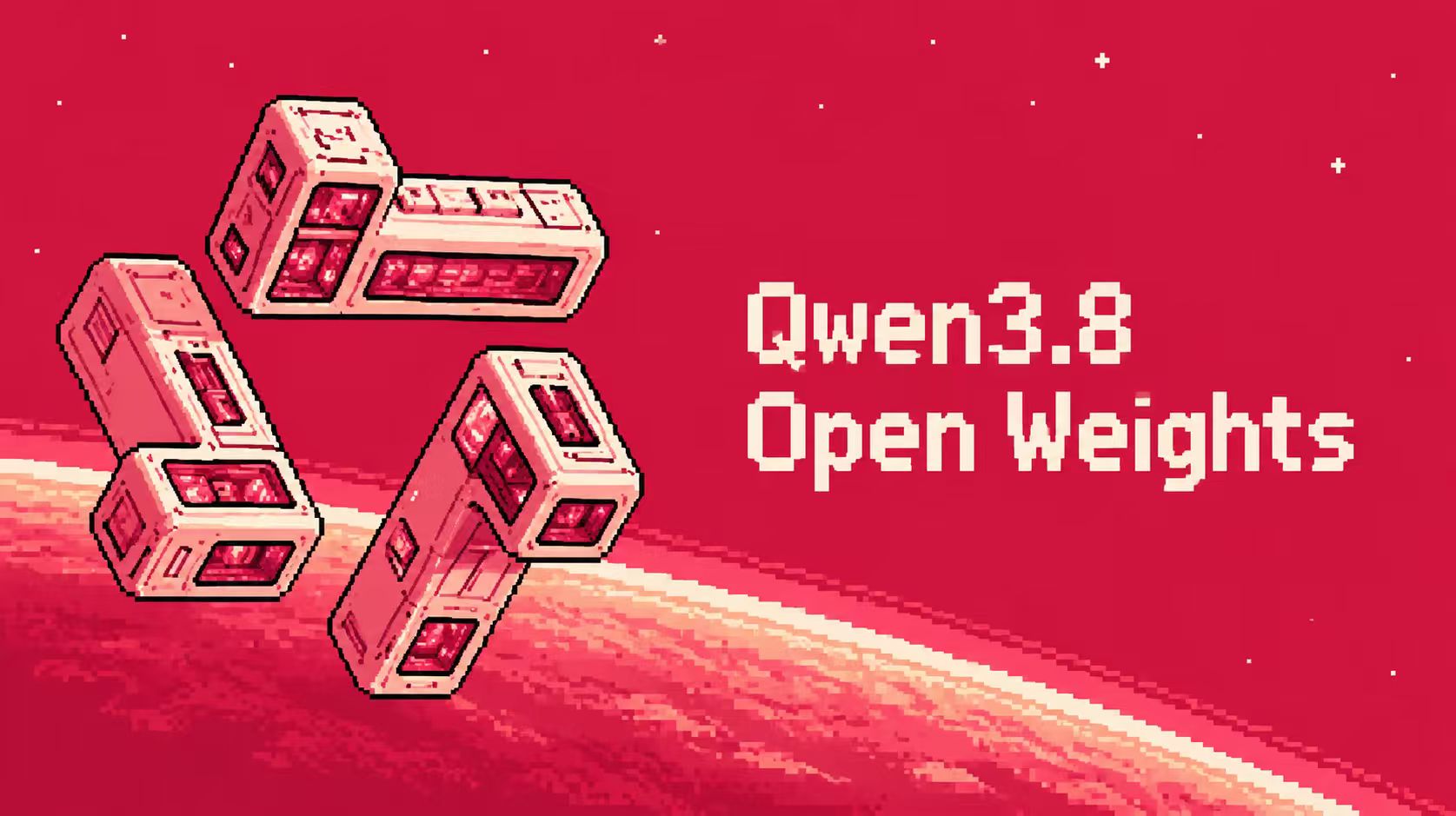
After such a long wait, the Qwen series has finally unleashed its big move—Qwen3.8-27B is now open source and available!
With 27 billion parameters, it doesn't rely on the old approach of "the more parameters, the stronger," but instead comprehensively enhances its inference, programming, and agent capabilities. In multiple official evaluations, it has begun to directly challenge top closed-source models such as Claude.
This model is based on the Qwen3.5 architecture and has been optimized and upgraded.**With a scale of 27 billion parameters, it comprehensively enhances the capabilities of code development, professional tasks, scientific research analysis, and long-cycle intelligent agent tasks.**In terms of coding skills,**Qwen3.8-27B achieved a score of 72.4 on SWE-bench Verified and 80.7 on LiveCodeBench v6.**It demonstrates sophisticated programming capabilities approaching those of larger-scale models. Furthermore, as a native visual language model, it supports image and video understanding and can handle multimodal tasks such as scientific charts, document parsing, and long-form video analysis.It achieved a score of 88.9 on OmniDocBench 1.5 and 87.0 on VideoMME.
Regarding the capabilities of intelligent agents,**Qwen3.8-27B enhances the capabilities of autonomous planning, tool utilization, and environmental feedback.**It can break down tasks around complex goals and execute them continuously. In agent evaluation,**The model scored 70.3 on ScreenSpot Pro and 56.2 on OSWorld-Verified.**This further enhances the ability to complete tasks in real-world environments. Furthermore, the model supports a flexible reasoning control mechanism, allowing users to adjust the depth of reasoning as needed, achieving a balance between effectiveness and efficiency.
Currently, the tutorial section of HyperAI's official website (hyper.ai) has launched "Qwen3.8-27B-FP8: Native Visual Language Model" to help developers quickly access the model's capabilities.
Run online:
More online tutorials:
Demo Run
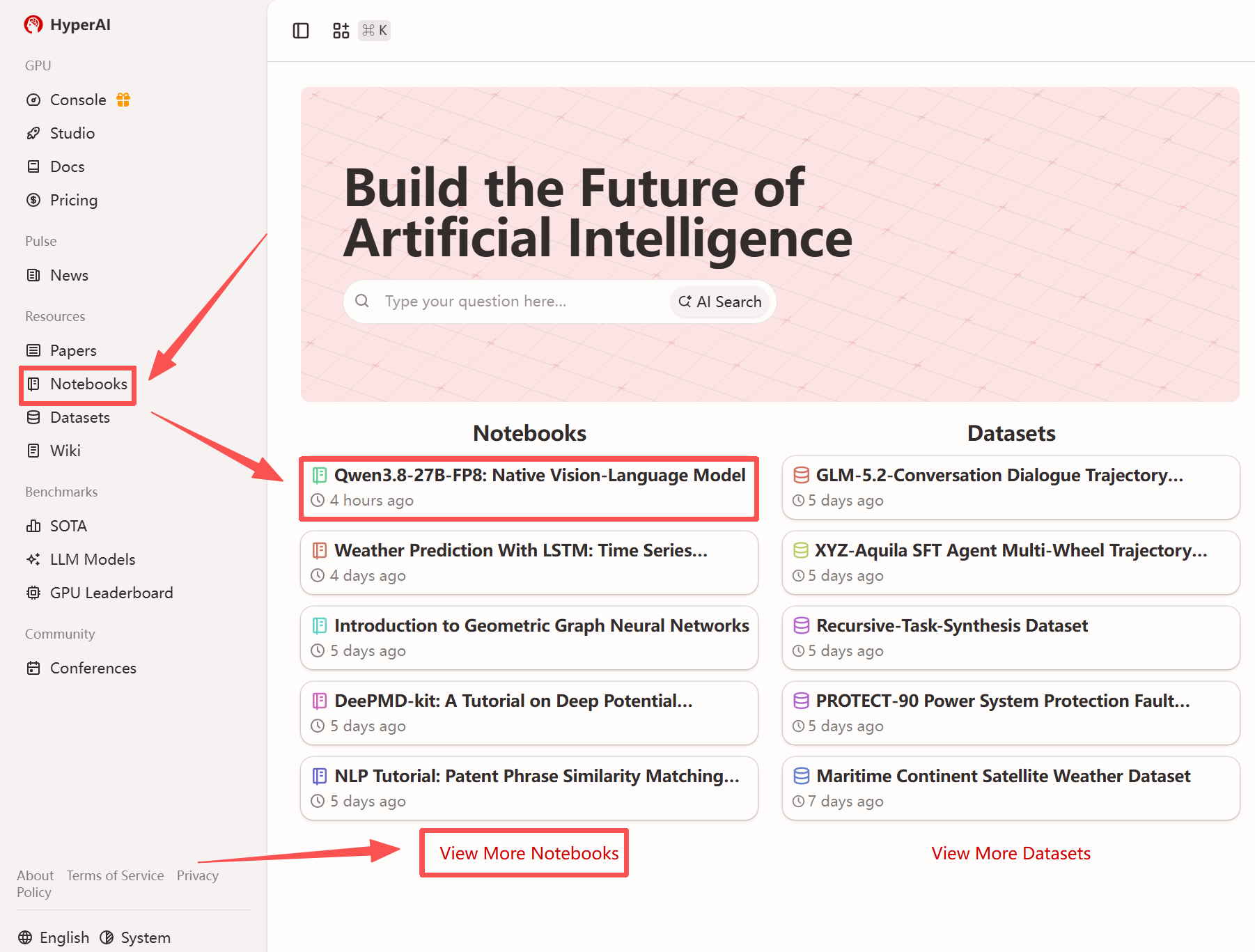
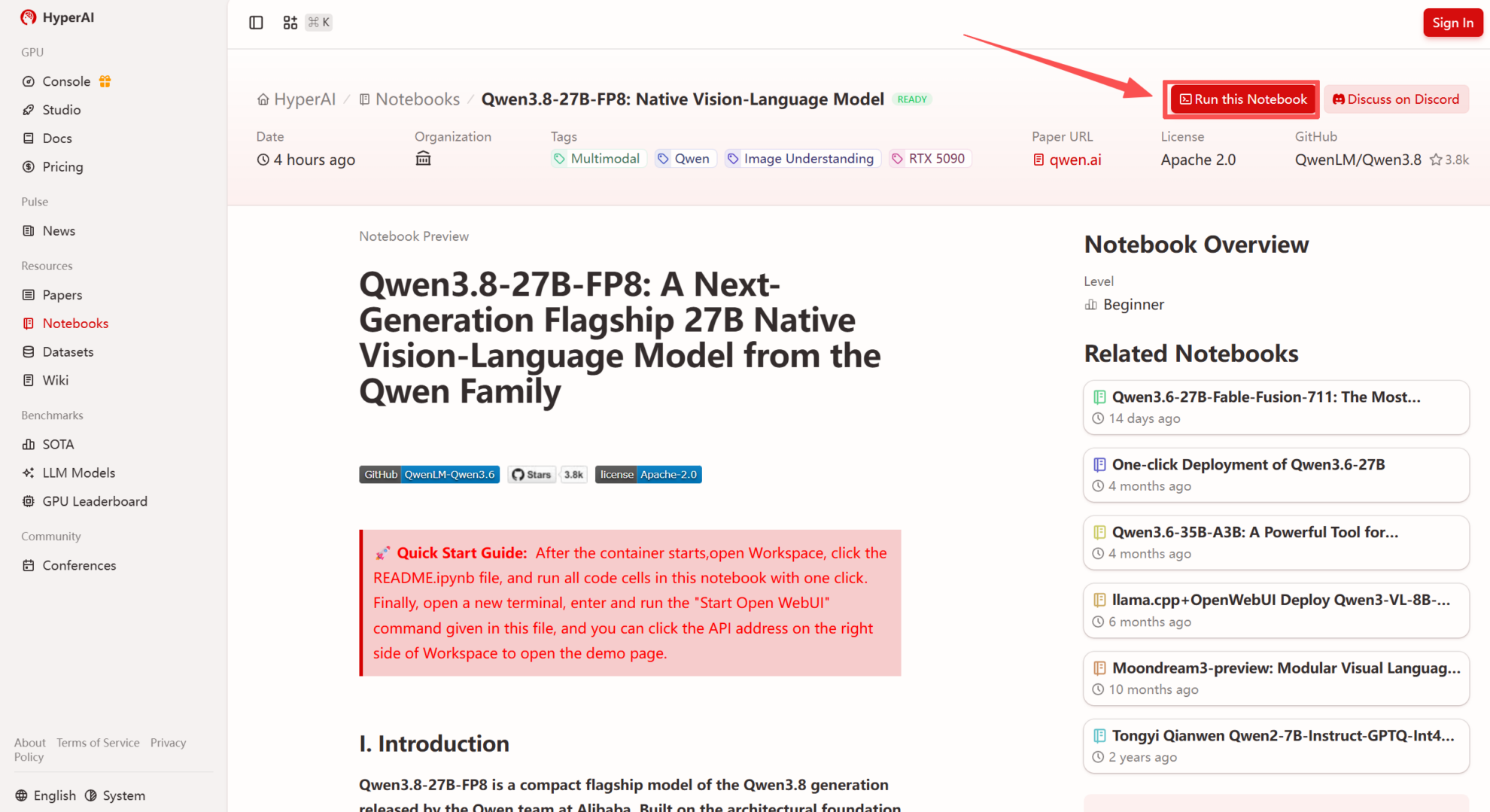
1. After entering the hyper.ai homepage, select the "Tutorials" page, or click "View More Tutorials", select "Qwen3.8-27B-FP8: Native Visual Language Model", and click "Run this tutorial".
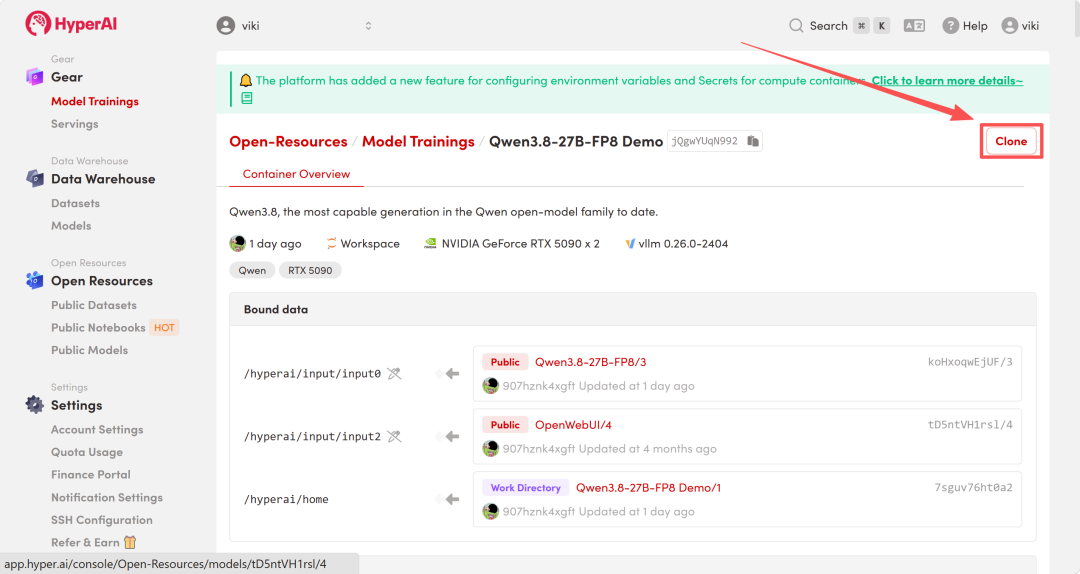
 2. After the page redirects, click "Clone" in the upper right corner to clone the tutorial into your own container.
Note: You can switch languages in the upper right corner of the page. Currently, Chinese and English are available. This tutorial will show the steps in English.
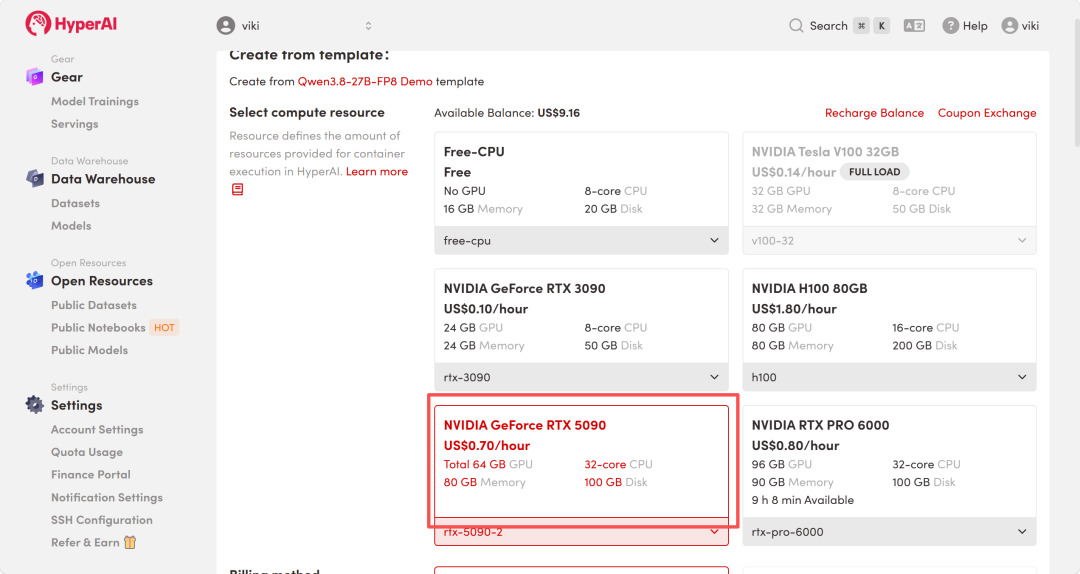
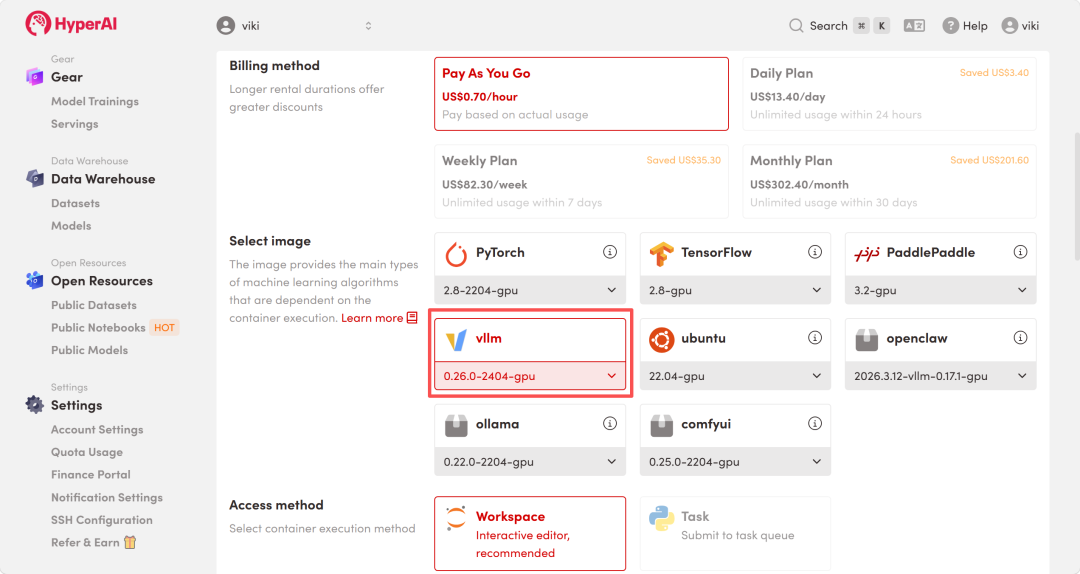
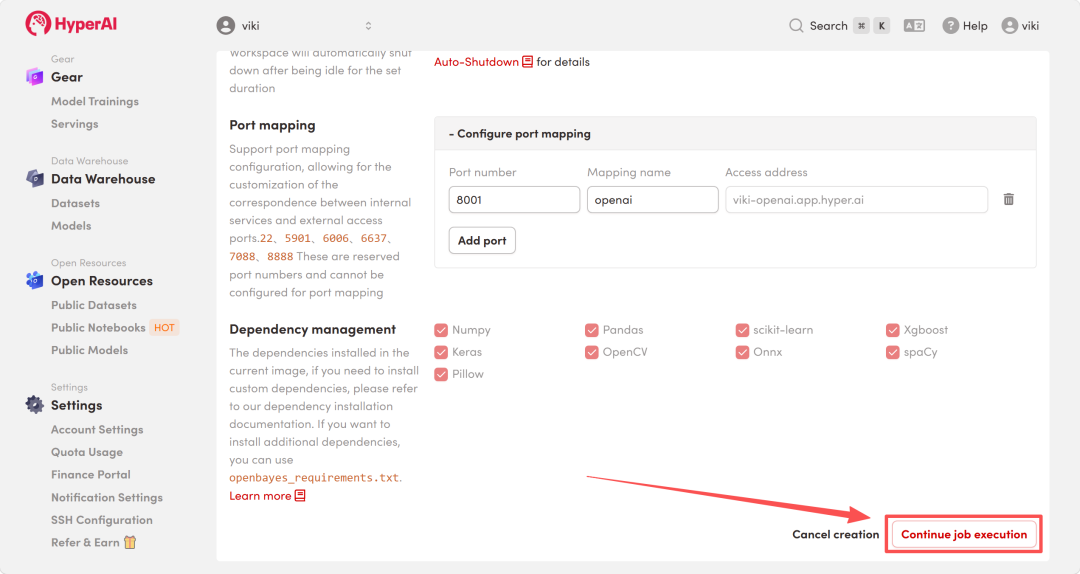
 3. Select the "NVIDIA RTX 5090-2" and "vllm" images, and click "Continue job execution".
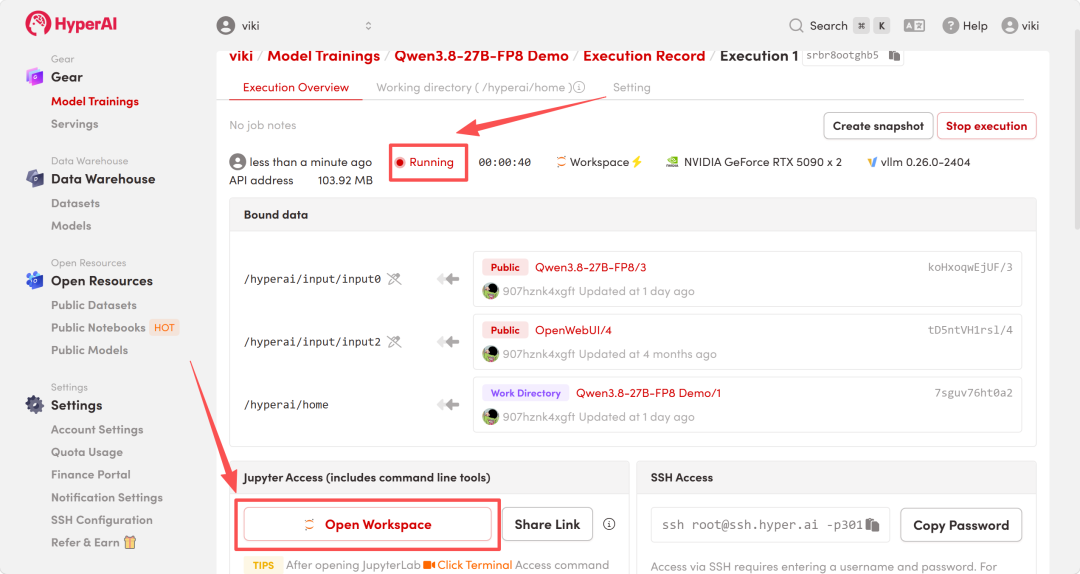
 4. Wait for resources to be allocated. Once the status changes to "Running", click "Open Workspace" to enter the Jupyter Workspace.
Effect display
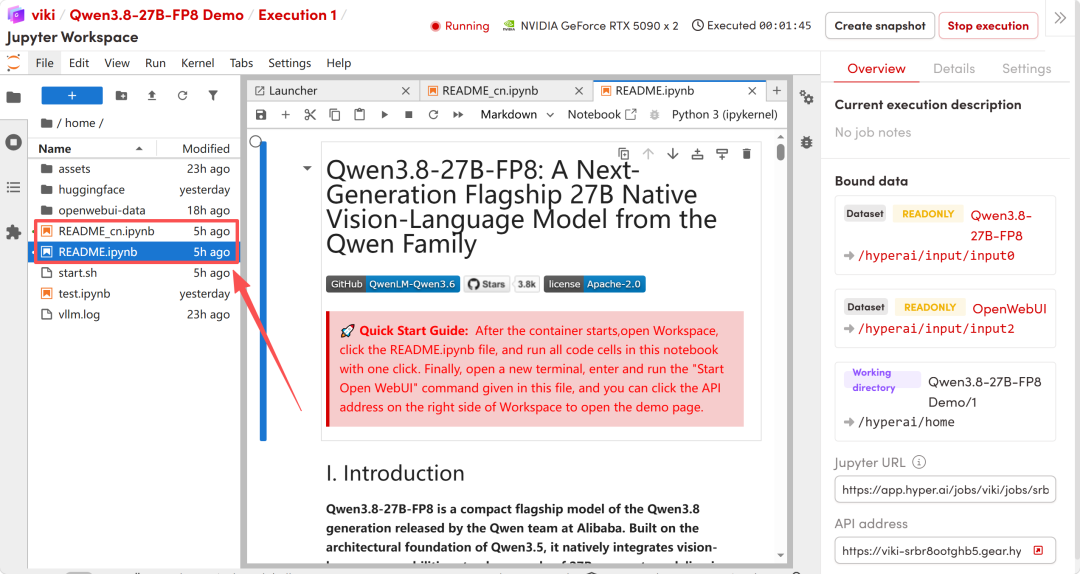
1. After the page redirects, click on the README file on the left, and then click on Run at the top.
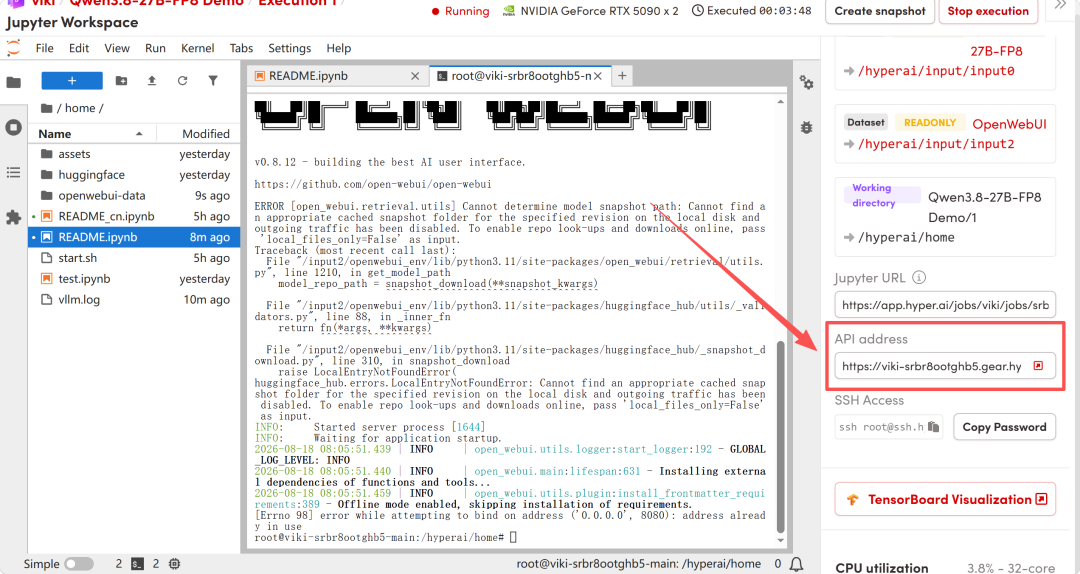
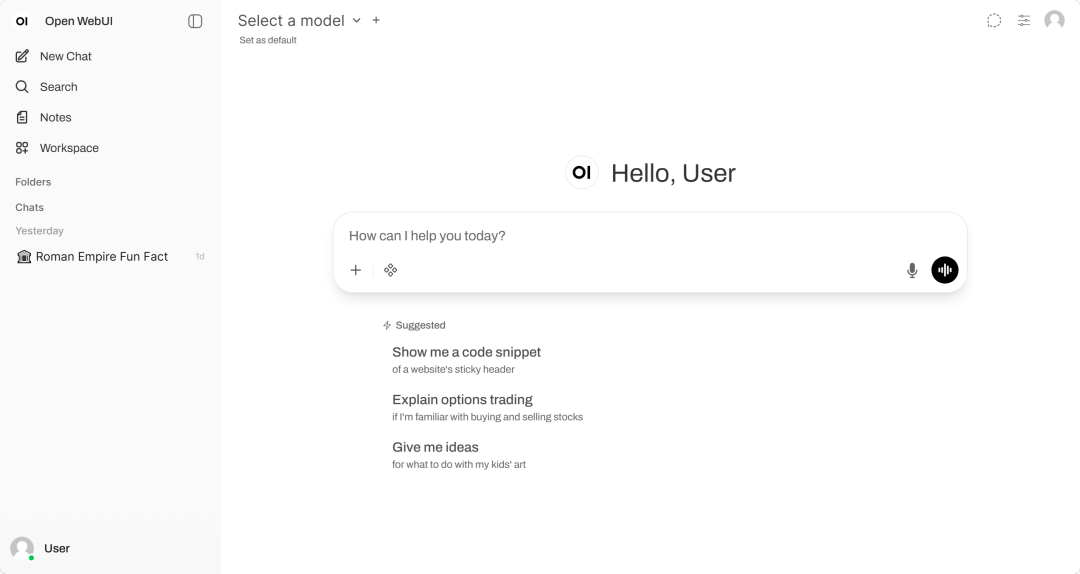
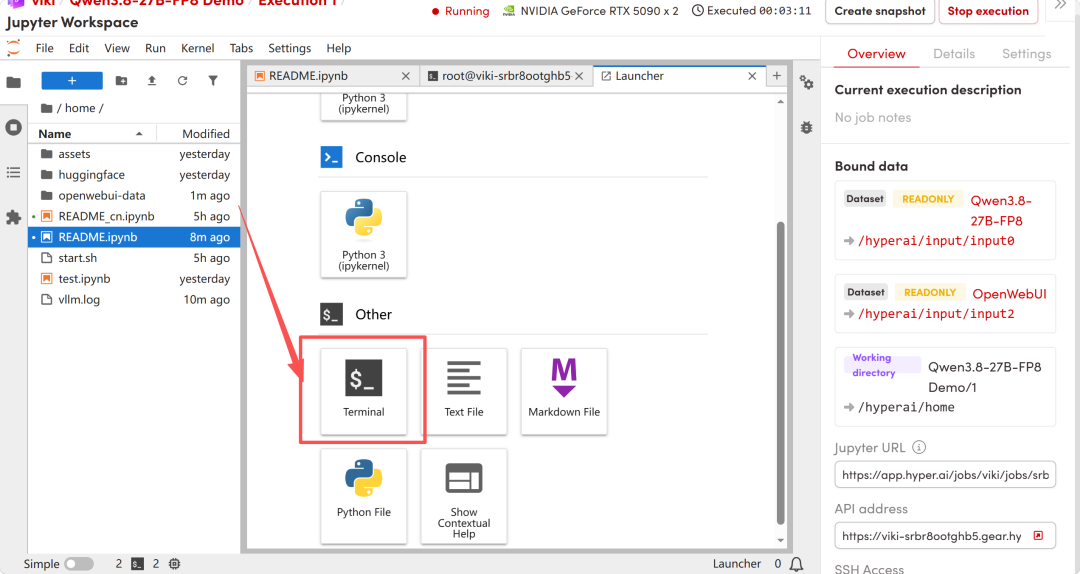
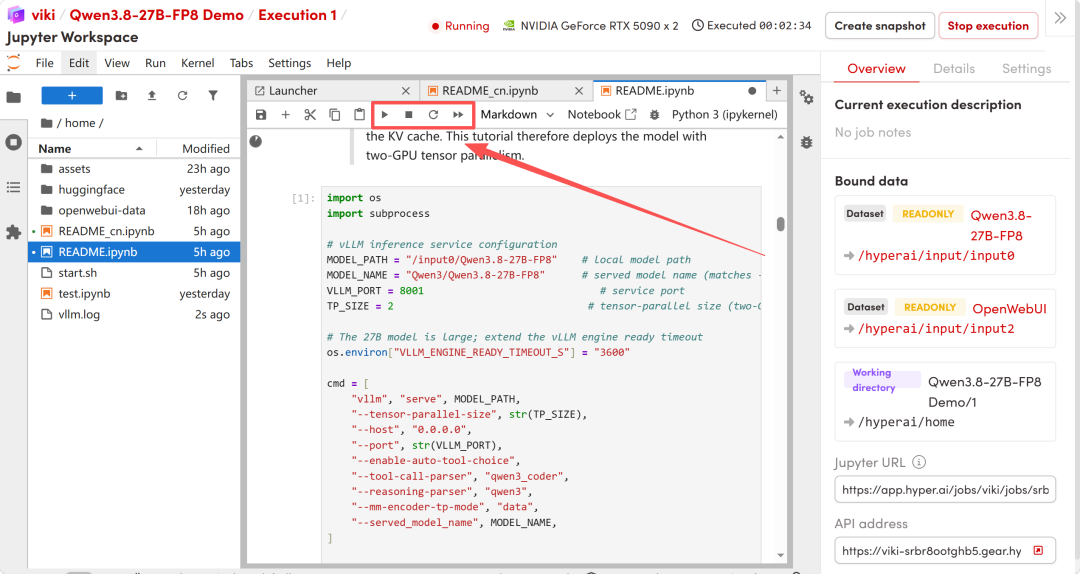 2. After the process is complete, please open a new terminal and execute the following command to start Open WebUI.
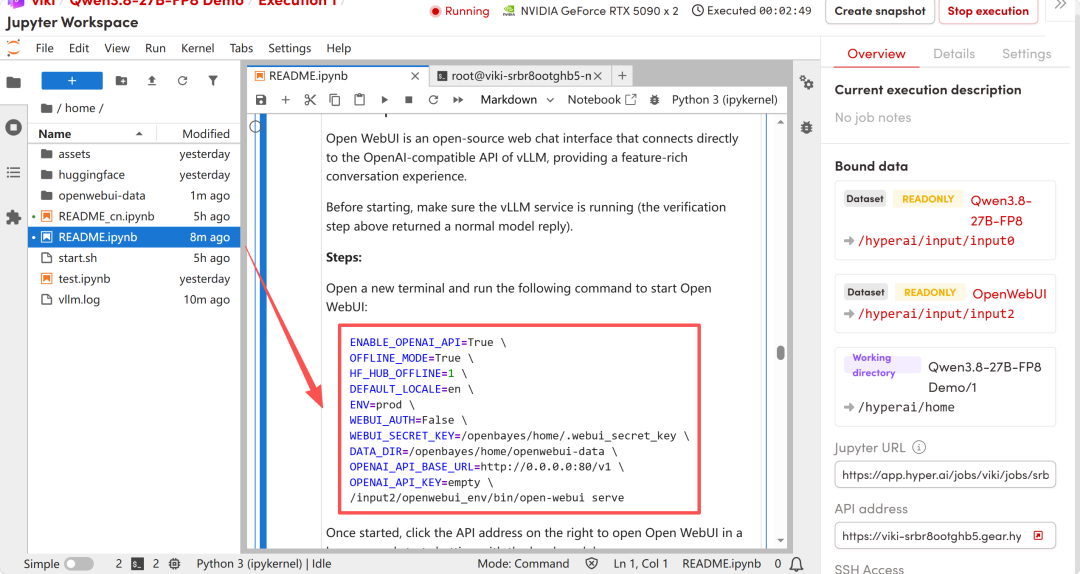
 3. After startup, click the API address on the right to access the Open WebUI interface in your browser and start interacting with the local model.