Command Palette
Search for a command to run...
Online Tutorial | 16GB Laptop Achieves Nearly 26B MoE Performance: Gemma 4 12B Based on Innovative Architecture for Unified Processing of Text/Image/Sound Modalities
While the competition for large models is still focused on parameter size, Google DeepMind has once again demonstrated that performance improvements do not necessarily depend solely on larger models.
Recently, Google DeepMind officially released the latest member of the Gemma 4 family—Gemma 4 12B. This is a unified multimodal model with only 12 billion parameters, yet it demonstrates performance approaching that of a 26 billion parameter hybrid expert (MoE) model in multiple benchmark tests. Official data shows that Gemma 4 12B's performance in tasks such as inference, code generation, and multimodal understanding is approaching that of Gemma 4 26B.**At the same time, it achieves the state-of-the-art (SOTA) level among current open-source models of the same level in some visual understanding and agent tasks.**More importantly, the model requires only 16GB of video memory or unified memory to run natively on consumer-grade laptops, achieving a rare balance between performance and deployment cost.
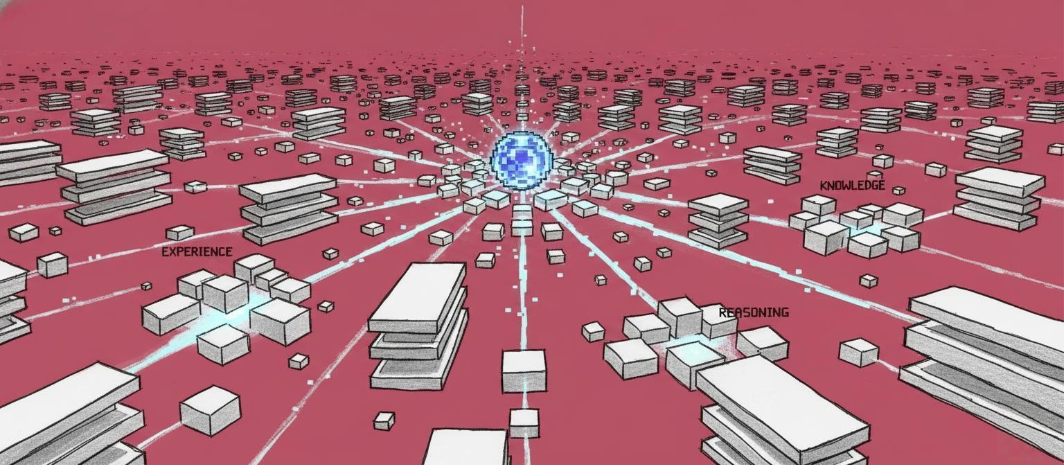
As the first medium-sized model in the Gemma series to natively support audio input, the biggest breakthrough of the Gemma 4 12B is not its parameter size, but its architectural innovation. For a long time, multimodal models have generally adopted an "encoder + language model" approach: images are processed by a visual encoder, audio by a speech encoder, and the results are then passed to a large language model for inference. While this architecture is mature,However, this brings additional computational overhead, memory usage, and inference latency.
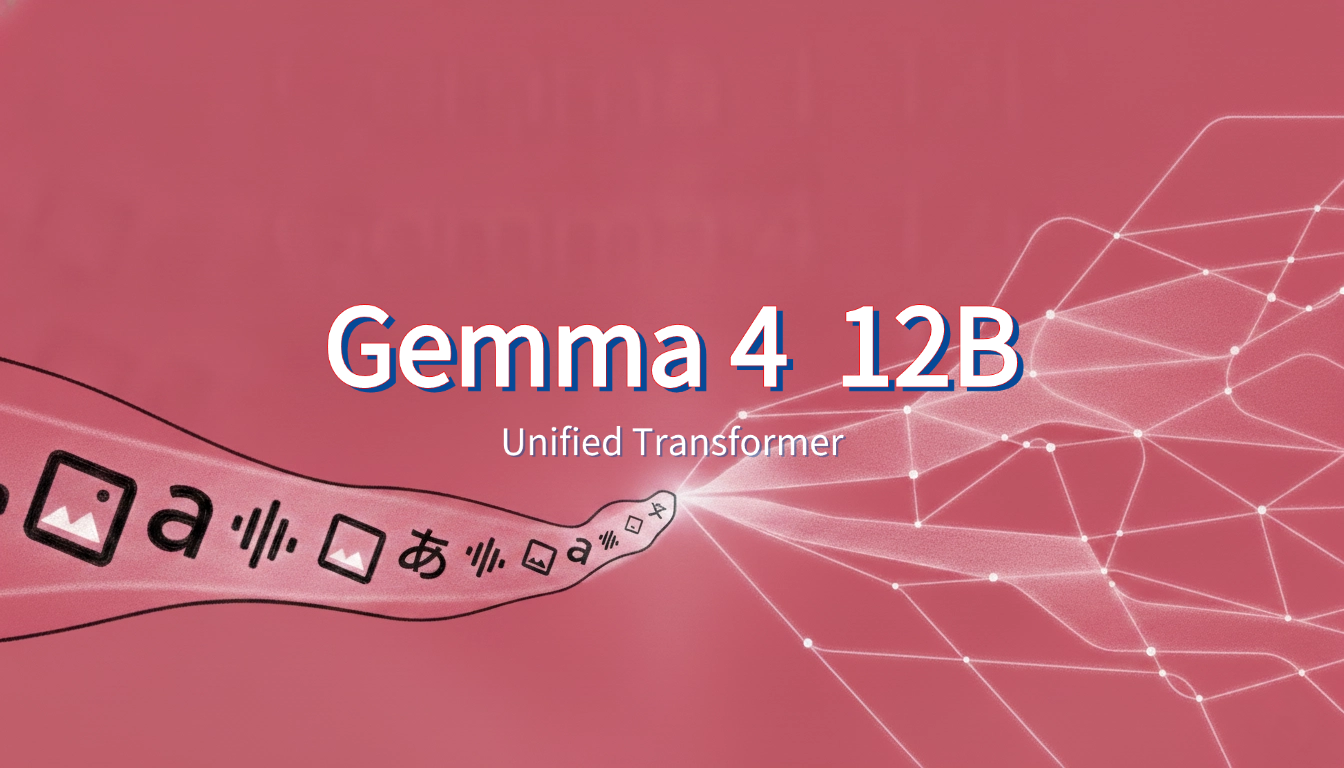
To address this issue, Google DeepMind designed a completely new Encoder-Free architecture for Gemma 4 12B. Images are directly fed into the LLM backbone after passing through a lightweight embedding module, while audio is directly projected into the same representation space as text tokens.**The same Decoder-Only Transformer handles text, image, and sound modalities uniformly.**The official statement indicates that this design significantly reduces multimodal inference latency while also reducing system complexity and memory footprint.
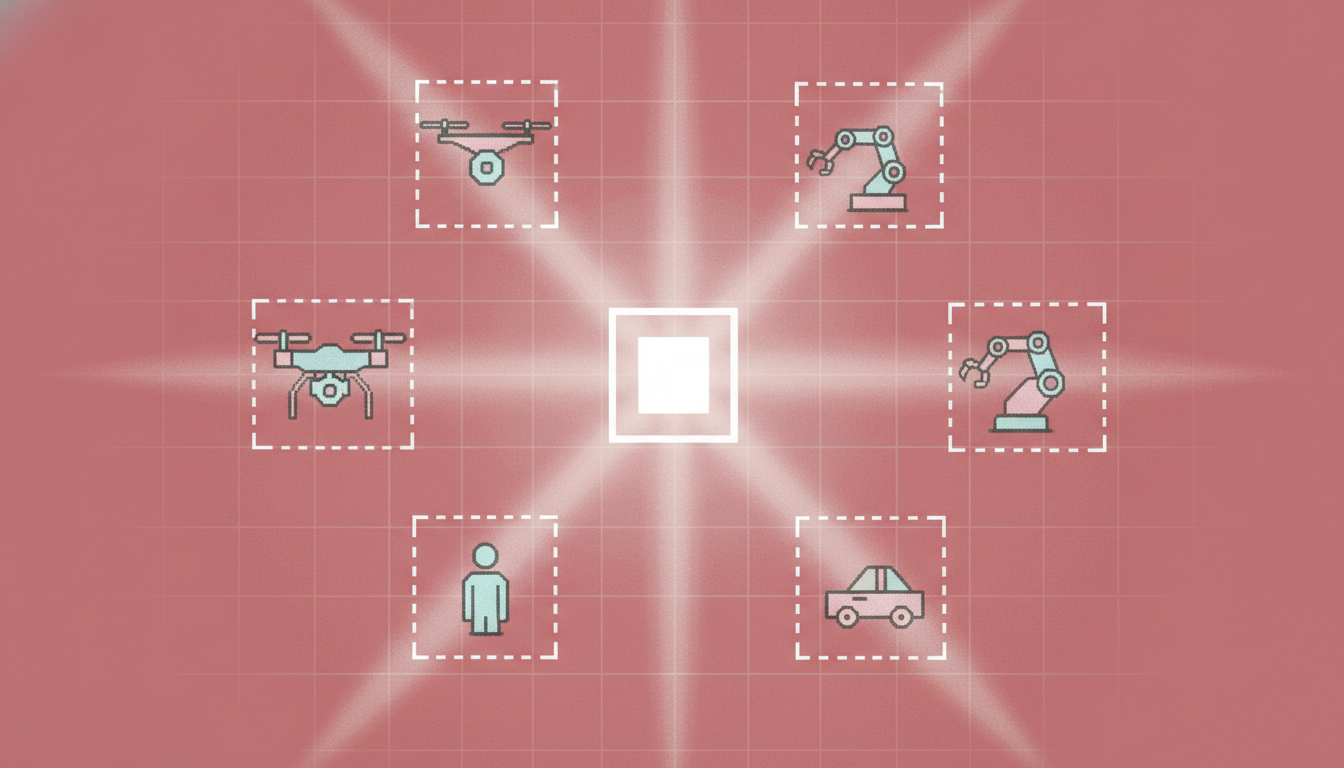
In addition to its unified multimodal architecture, the Gemma 4 12B also supports a 256K ultra-long context window, a switchable Thinking deep inference mode, native Function Calling, and Agent workflow capabilities. In standard benchmarks,**Its overall performance is close to that of the Gemma 4 26B MoE model, which is more than twice the size.**The operating cost is less than half that of the latter. For developers who want to deploy advanced AI capabilities locally, this means they can achieve an inference and agent experience close to that of current top-tier multimodal models without the need for expensive GPUs.
Currently, the tutorial section of HyperAI's official website (hyper.ai) has launched "One-click deployment of Gemma 4 12B-it", which lowers the deployment threshold in the form of a notebook and makes it easier for developers to quickly verify models.
Run online:https://go.hyper.ai/1Jrdl
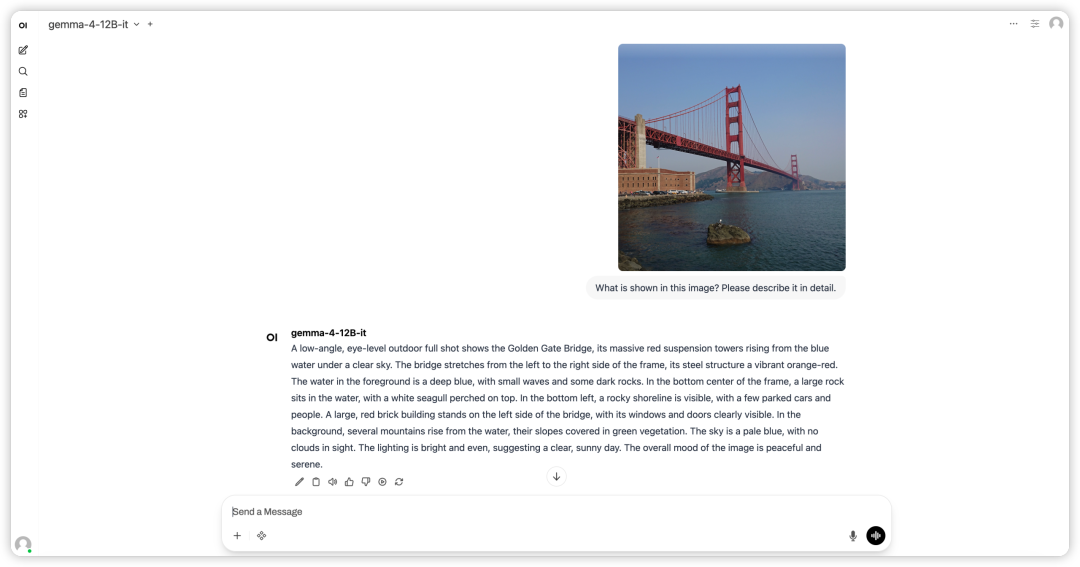
Demo Run
1. After entering the hyper.ai homepage, select the "Tutorials" page, or click "View More Tutorials", select "One-Click Deployment of Gemma 4 12B-it", and click "Run this tutorial".
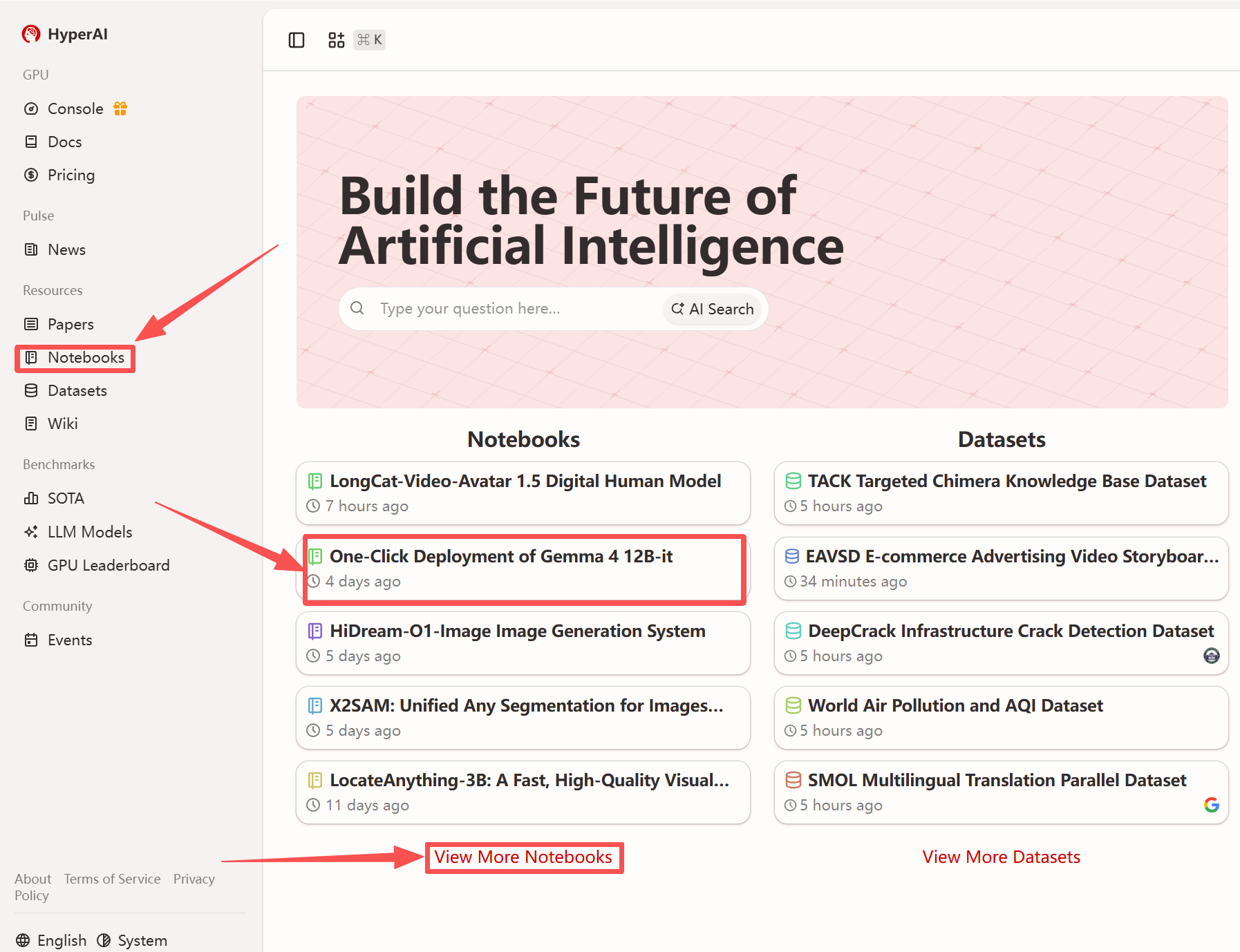
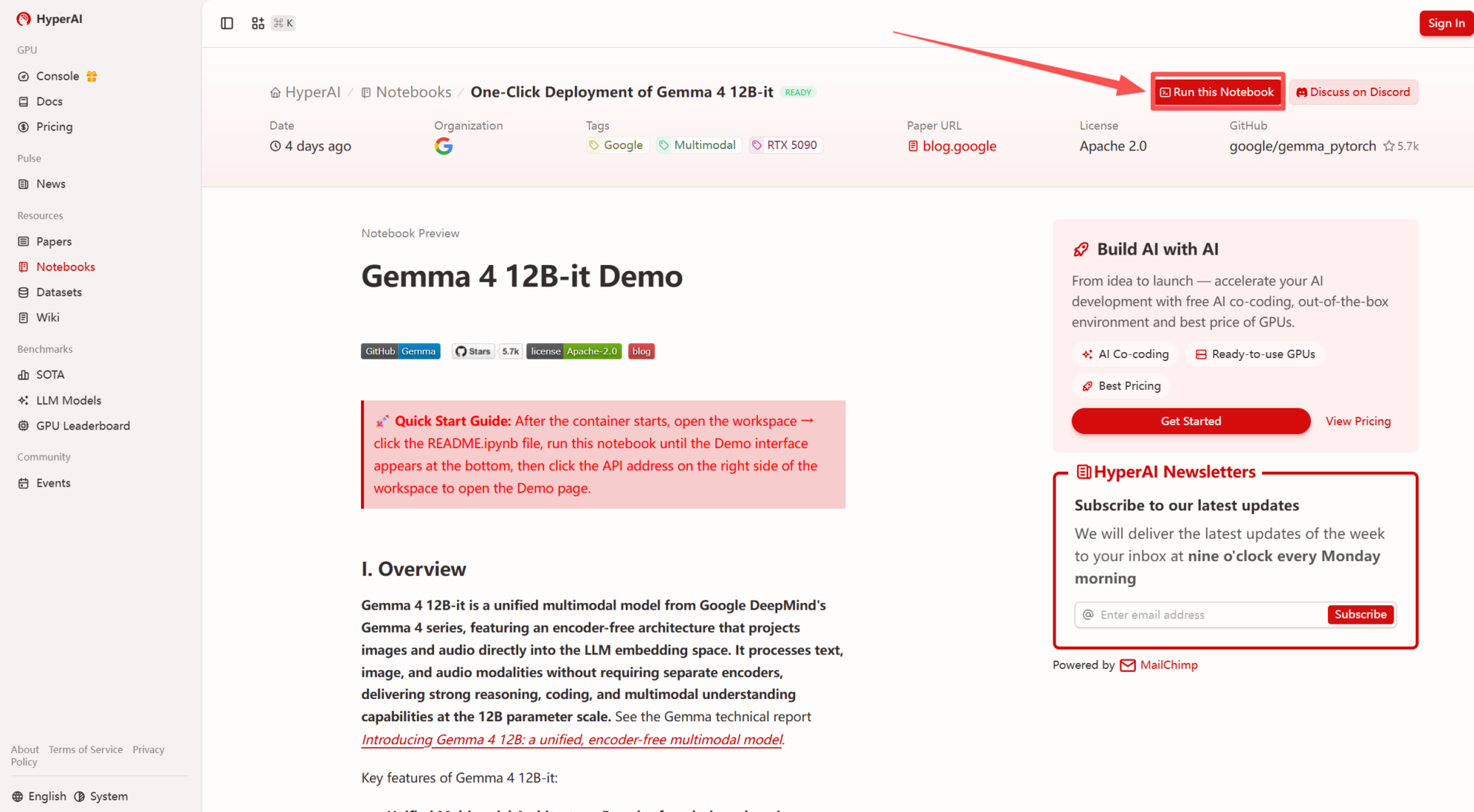 2. After the page redirects, click "Clone" in the upper right corner to clone the tutorial into your own container.
Note: You can switch languages in the upper right corner of the page. Currently, Chinese and English are available. This tutorial will show the steps in English.
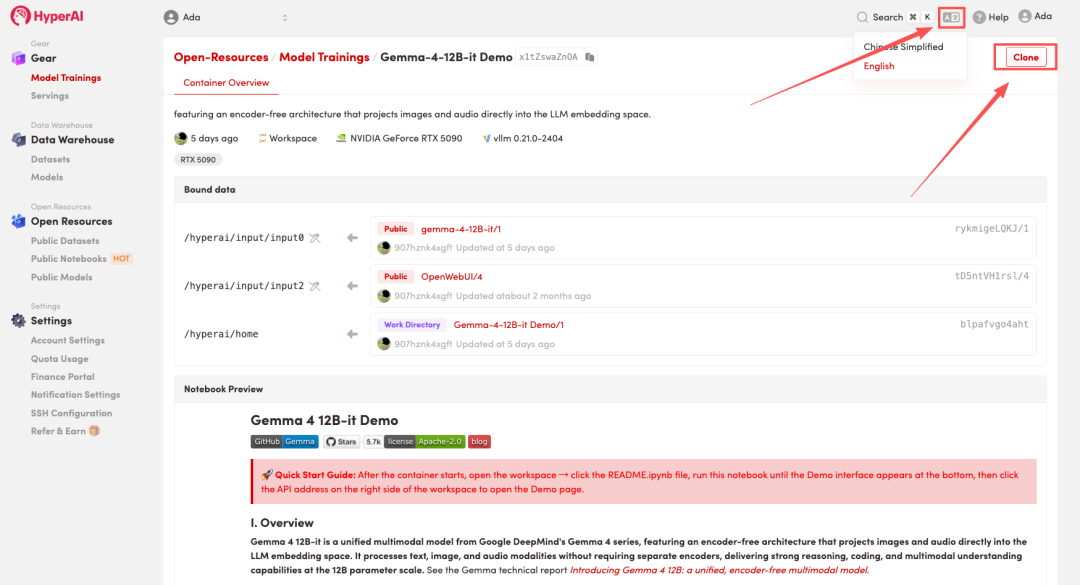 3. Select the "NVIDIA RTX 5090" and "vLLM" images, and click "Continue job execution".
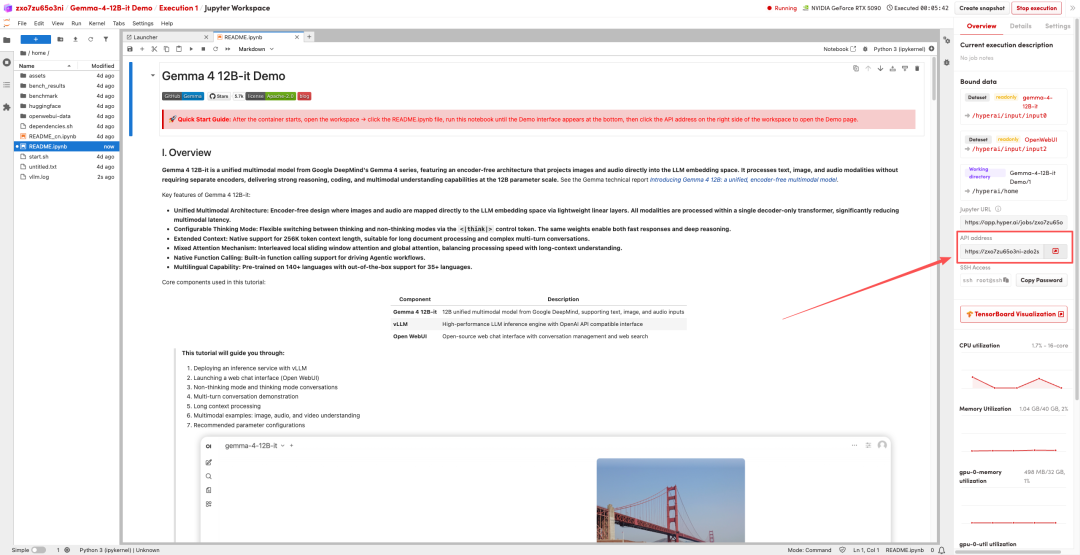
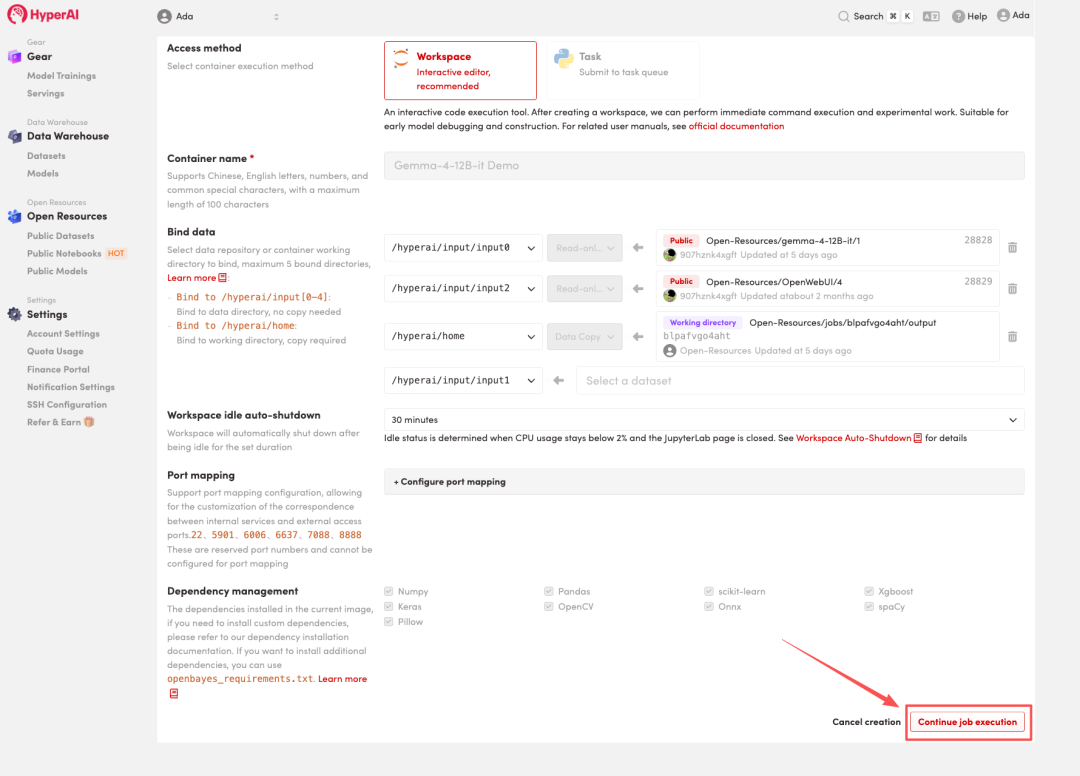 4. Wait for resources to be allocated. Once the status changes to "Running", click "Open Workspace" to enter the Jupyter Workspace.
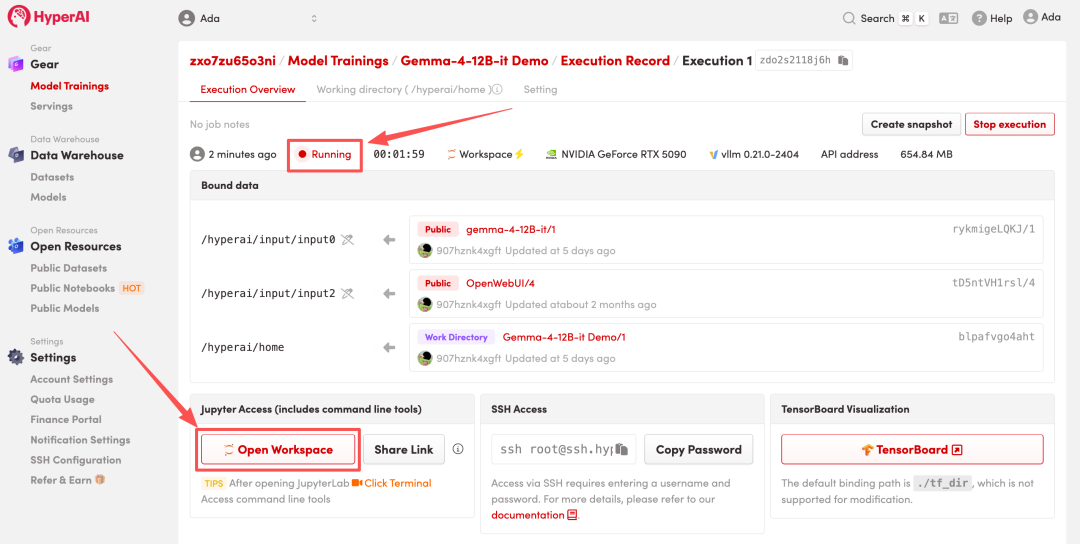
Effect display
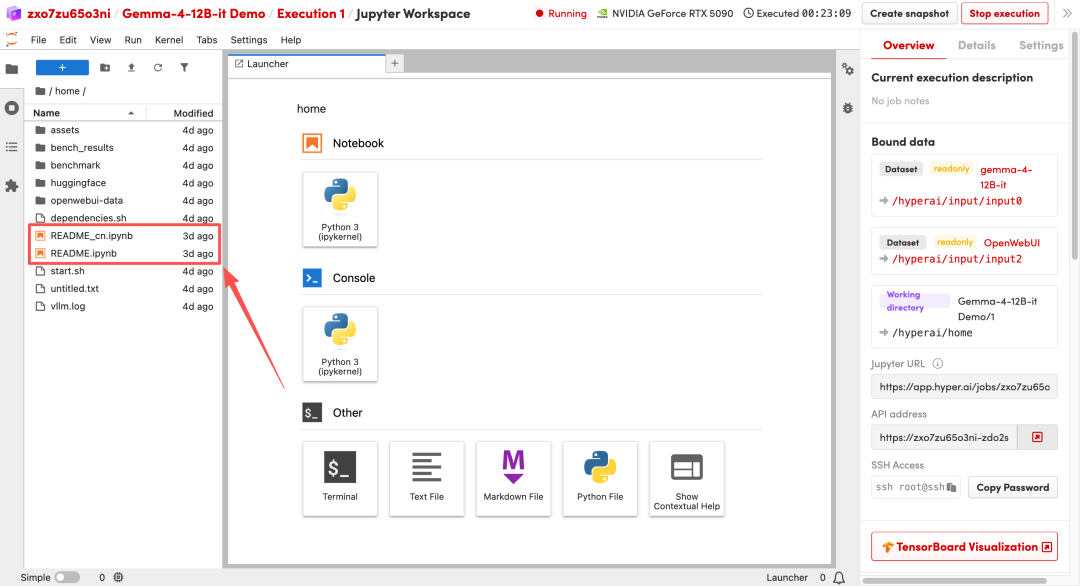
1. After the page redirects, click on the README file on the left, and then click on Run at the top.
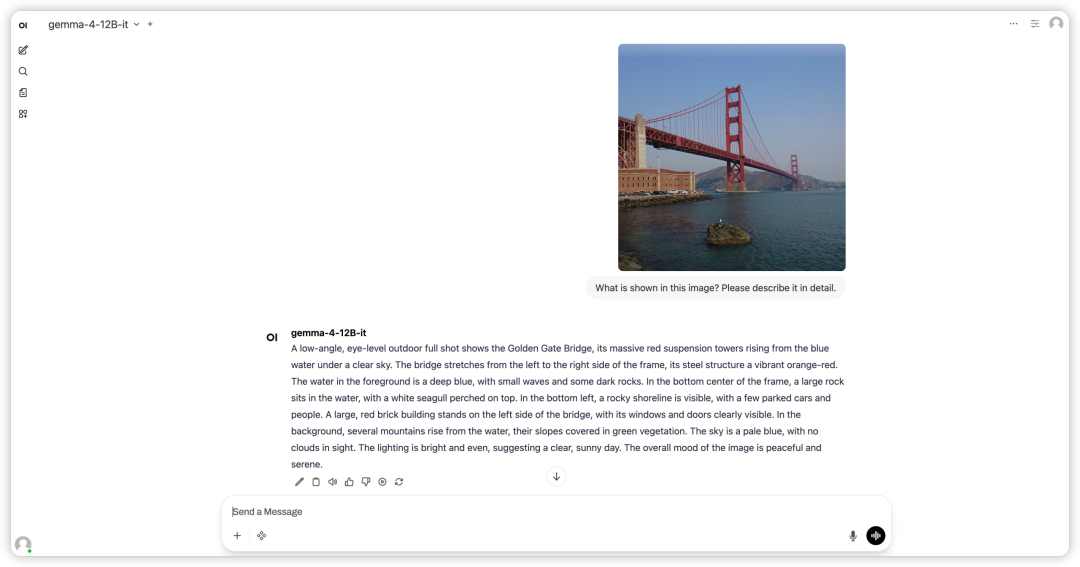
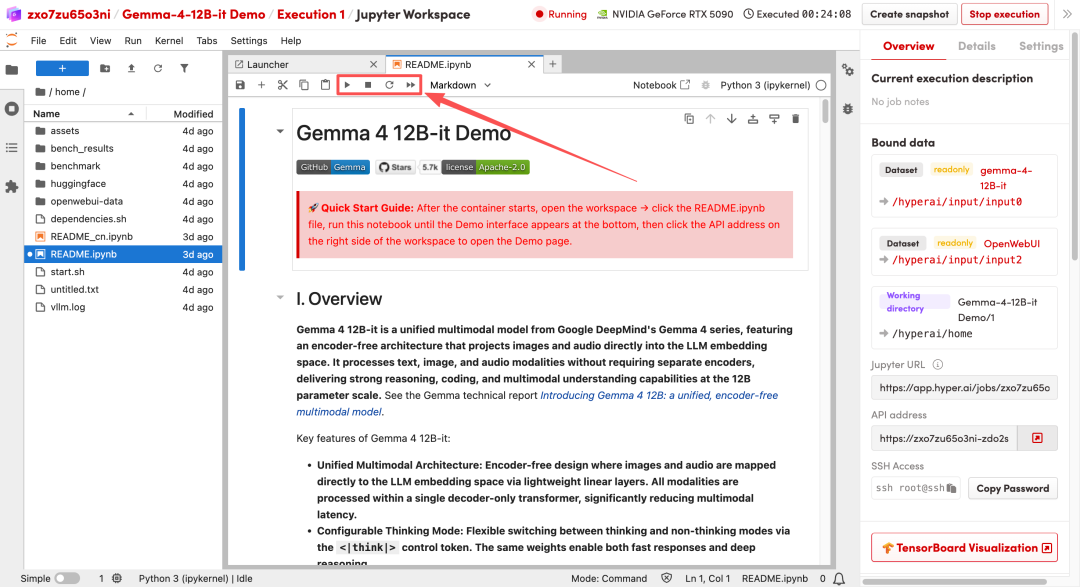 2. After the process is complete, click the API address on the right to open the Demo interface.